New feature: Disable line-wrapping for tables & codeblocks (Experimental)
This idea is suggested by @Magnus in this topic.
When the “Readable line length” and line-wrapping options are enabled, tables become extremely difficult to read and edit because table rows can wrap across multiple editor lines.
Since Inkdrop is a plain-text editor, styles are applied on a line-by-line basis.
That means it isn’t possible to have a dedicated container div with its own horizontal scrollbar for each block.
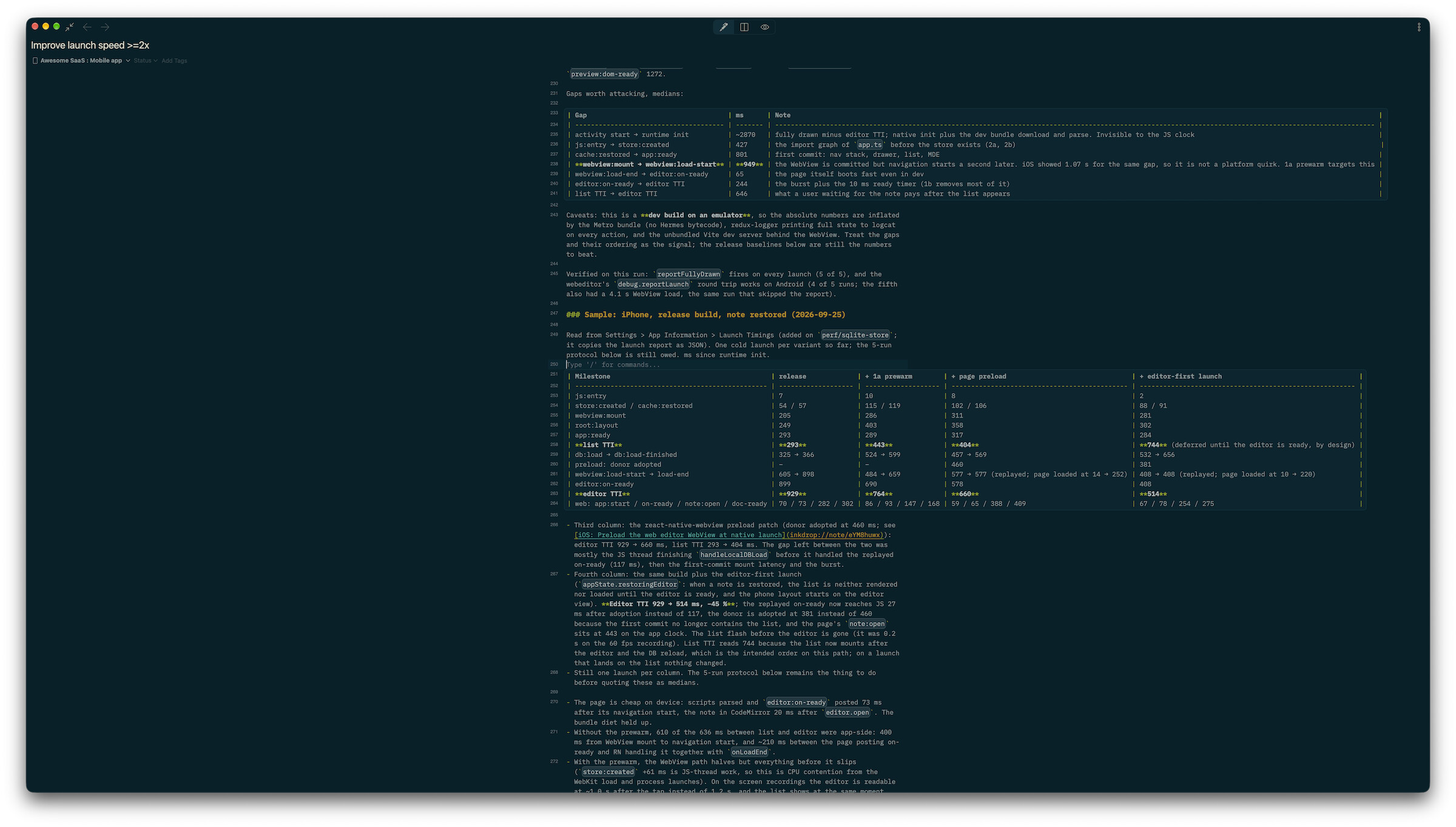
To solve this problem, I added an experimental option that disables line wrapping only for tables and also codeblocks while preserving the editor’s content width.
You can still scroll horizontally when the window isn’t wide enough.
Here is a screenshot:
To enable it, directly edit your config.json like so (no Preferences UI yet):
{
  "*": {
    "core": {
      "editor": {
        "unwrapBlocks": true
      }
    }
  }
}
Maybe it has a few quirk, but worth experimenting with it.
Please let me know if you find any possible bugs!
Improvements
- Database: Optimized reading queries
- Note templates
- Added a “Performance improvement” template
- Added formatting guidance to the “Implementation plan” template
- Framework: Bump Electron to 43.7.1
Bugfixes
- Fixed the app stealing focus from the restored note’s editor on launch
- Fixed a rare conflict error when writing database indexes at startup
- Saved webpages using ‘Inkdrop Web Clipper’ can break sychronization (Thanks @Lukas)