Hi! I’m thrilled to announce that Inkdrop v6.0.0-canary.16 now supports AI integrations.
 AI Integrations
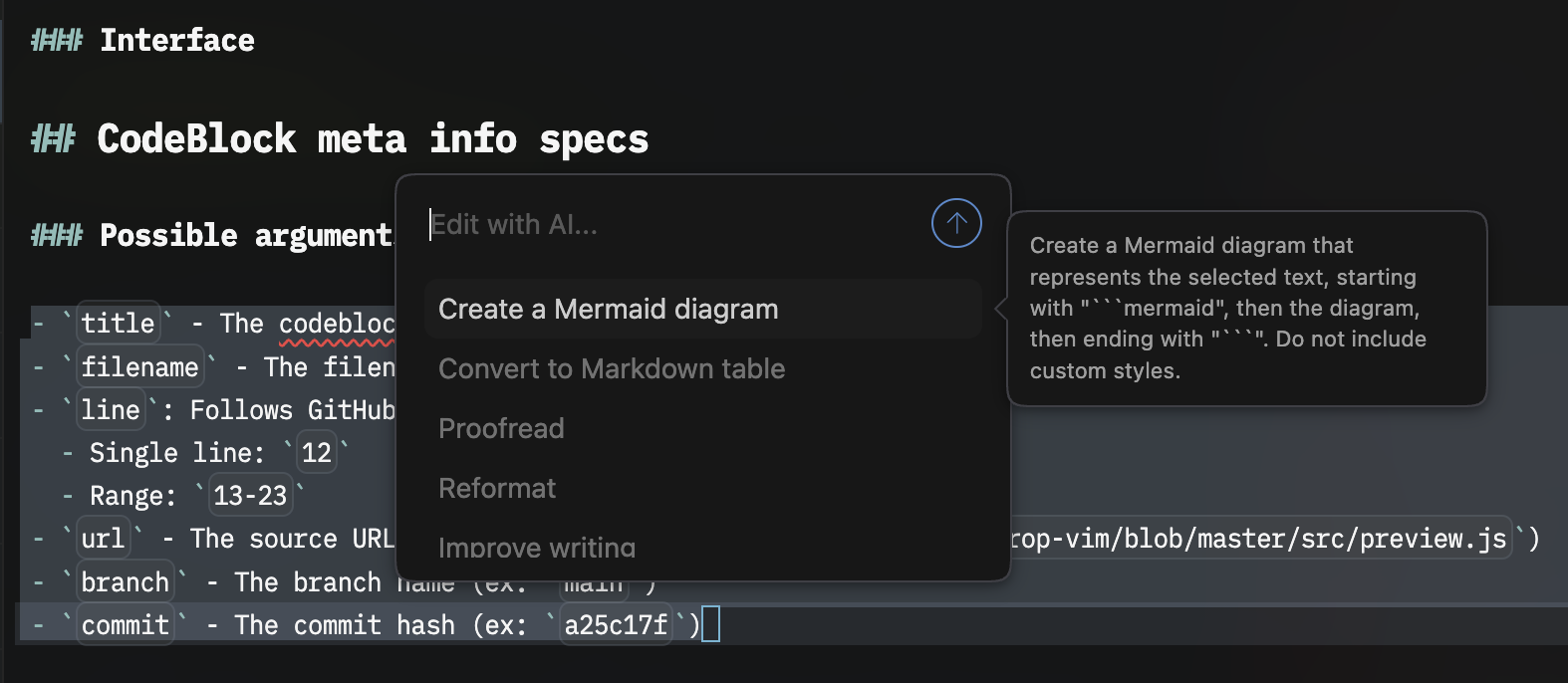
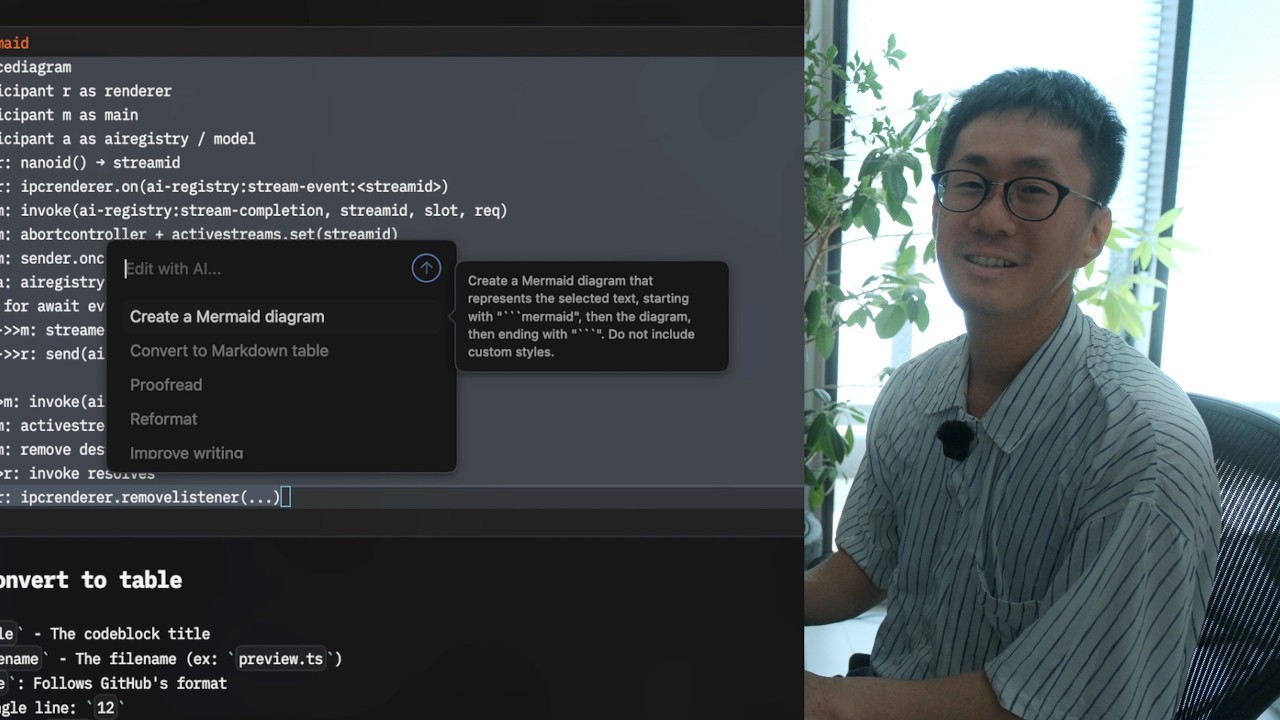
This release introduces a built-in Inline AI Assistant that lets you transform text right inside the editor.
- Select text and ask AI to rewrite it. Highlight any passage, open the inline prompt, and the result is applied in place.
- Built-in prompt presets to get you started quickly:
- Proofread your writing
- Summarize a passage
- Create a Mermaid diagram from a description
- Convert to a Markdown table
- …plus your own custom prompts.
- Bring your own API key. Configure your preferred AI provider in Preferences. Your keys are stored securely in your system credential storage.
AI features are opt-in and work with the provider and model you configure.
Check out the docs to learn how to set up AI and how to use the feature:
 New features
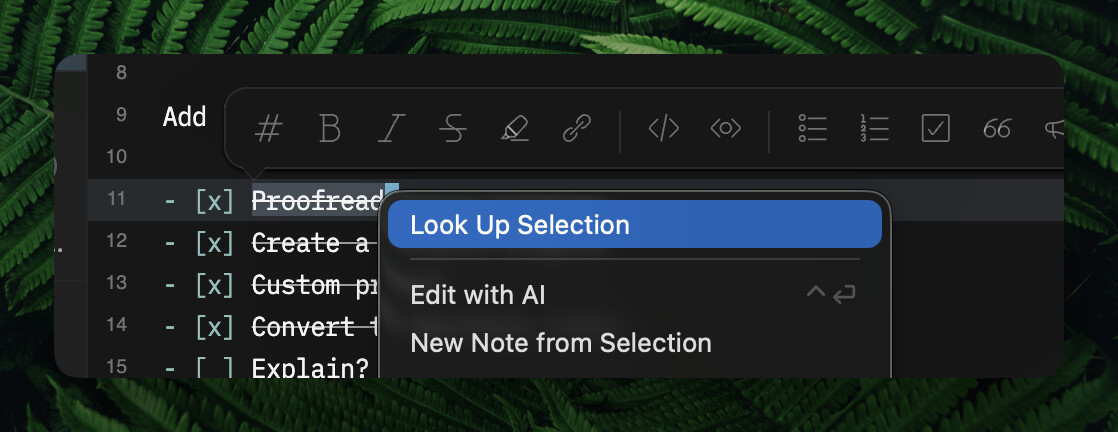
- (macOS) “Look Up Selection” context menu: Right-click selected text to look it up using the macOS system dictionary/Look Up panel.
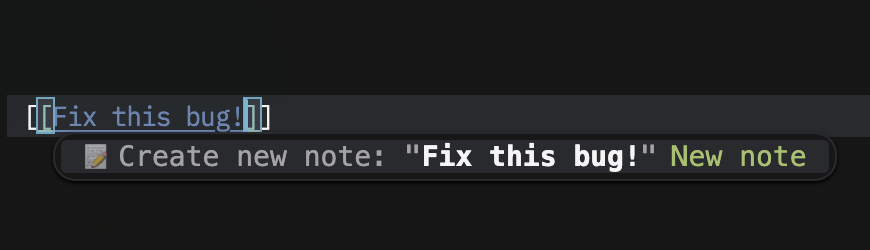
- Create a new note directly from [[ note-link autocomplete: Start typing a title after [[, and choose “Create new note” — the note is created, linked, and opened in one step.
- Open a new note in a separate window with a specific notebook: New notes opened in a separate window now respect the target notebook.
- Command:
core:new-note-in-separate-window - Shortcut key: cmd-shift-n / ctrl-shift-n
- Command:
 Improvements
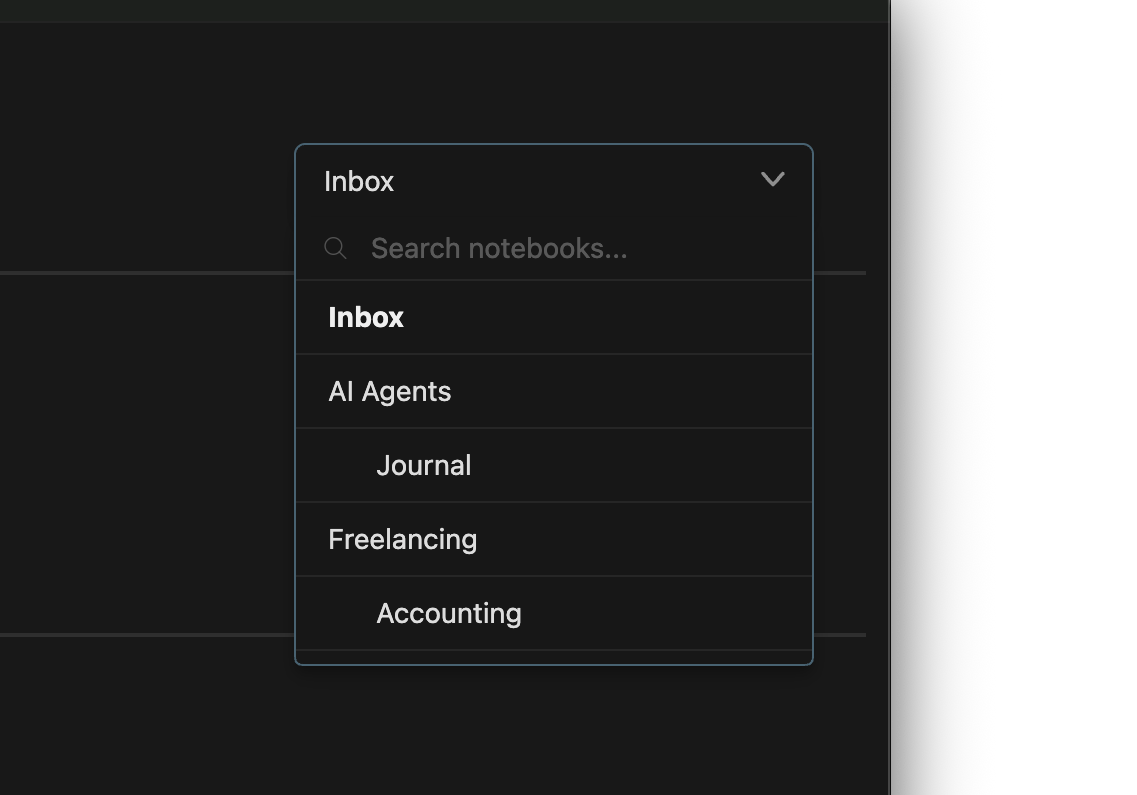
- Search bar in the Notebook Picker: Quickly filter notebooks by name in the dropdown — handy when you have a long list.
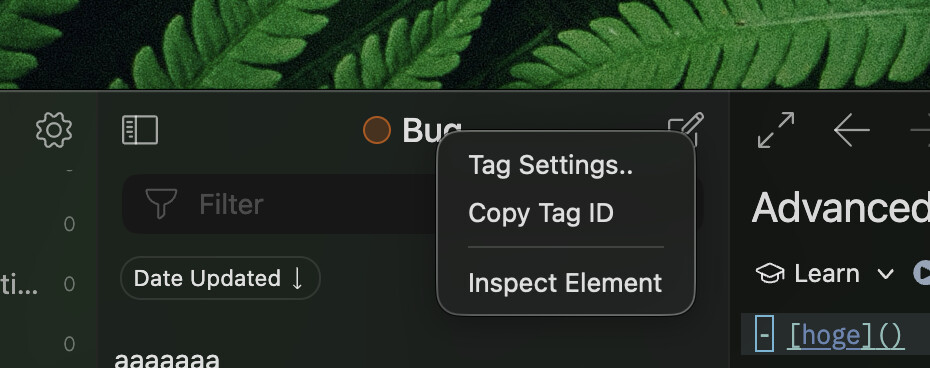
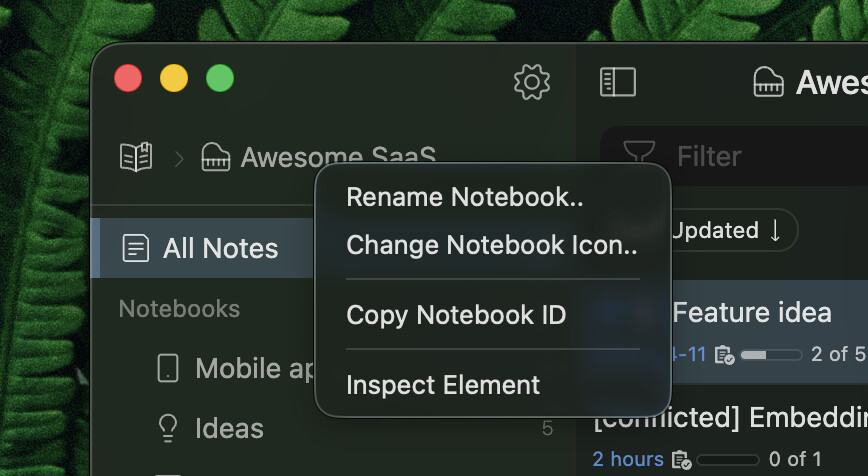
- Context menus for notebooks and tags: On the workspace header in the sidebar and on the note list header.
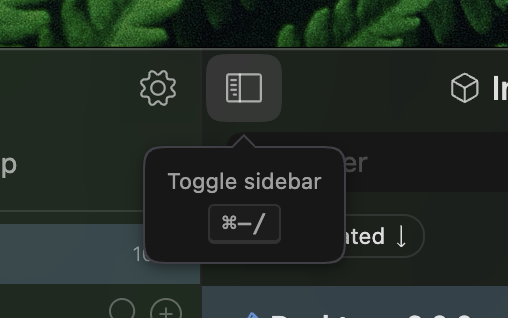
- Refined tooltip UI: The system tooltip was unstable, so I built a custom one for it.
 Bug Fixes
- Crash on startup when the last-used tag no longer exists (thanks @shimizu_tatsuya).
- Notebooks created in a workspace get an incorrect parent notebook ID.
- (macOS) Cannot increase the editor font size after shrinking it to the minimum (thanks @Martin_Martinov).
- App hangs when triggering autocomplete with
[[. - Plugins are unexpectedly activated in the Preferences window (thanks @p1n9_d3v).
- Outdated plugins reload frequently in the Preferences window.
 Community contributions - Claude Code Skills
I’d like to mention that Adrián shared his Claude Code skills that use Inkdrop as a persistance layer on our Discord server:
Let me quote his message:
Hey everyone!
I built a set of Claude Code skills that use Inkdrop as a persistence layer for AI-assisted dev workflows.
The idea: skills like
/to-prd,/to-issues,/journal, and/handoffsave state to Inkdrop across sessions using a four-notebook structure per project (Spec,Issues,Journal,Ideas) — so context survives even after a Claude Code session resets.Under the hood, note writing follows the
note-taking.mdrule that Takuya covered in one of his videosThe full pipeline:
/grill-me       → clarify the idea
/to-prd         → structured PRD (saved to Spec)
/to-issues      → break it into slices (saved to Issues)
/tdd            → implement each slice
/journal        → log the session (what was done, what's next)
/handoff        → compact the session for the next agent
Also supports a Jira mode via
CLAUDE.local.mdfor work projects — PRDs and slices go to Jira, only the Journal stays in Inkdrop.Install with:
npx skills@latest add adrianfernandezalv/skills -y -gBased on Matt Pocock’s skills repo, adapted around Inkdrop.
https://github.com/adrianfernandezalv/skills
Happy to hear feedback!


Thank you so much for sharing amazing tips with us, @anon44043949!
Join the Canary testing
Warning
Canary is meant to be early testing. You cannot expect it as stable as the official release. Feedback is appreciated!
You can download the binary here:
How to give feedback
Please create a topic on the “Issues > Canary” category.
This is the most preferred way for me because I can manage which issue has been resolved or not.
We have our Discord server, where you can casually discuss and talk with other users.
TODO
- AI: Next Edit Suggestions
- Update official themes
- Update manuals and API Docs