Hello Takuya,
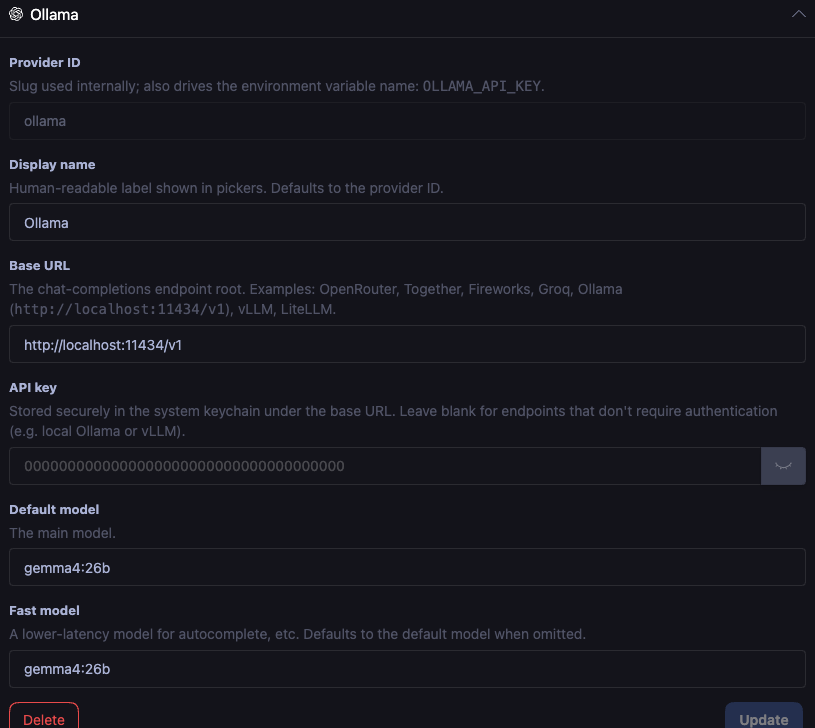
I’ve been testing the new AI Integration feature with a local Ollama instance (using the gemma4:26b model) and encountered a few issues. Here is a summary of the bugs I found:
- API Key is Required for Configuration Update
When configuring Ollama, the UI doesn’t allow me to click “Update” or save the settings unless the API key field is filled out. Since local Ollama setups don’t require authentication, it would be great if this field could be optional. - Provider Selection Requires API Key
Similarly, when creating a Provider, if the API key is omitted, that specific Provider cannot be selected or activated. Currently, I have to input a dummy/arbitrary value into the API key field as a workaround to make it callable. - Missing Responses and Text Disappearance on Longer Contexts / Presets
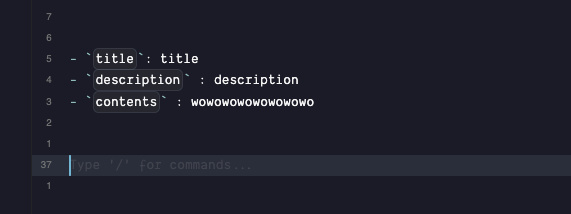
• Short inputs: The AI integration works perfectly, and responses are rendered properly.
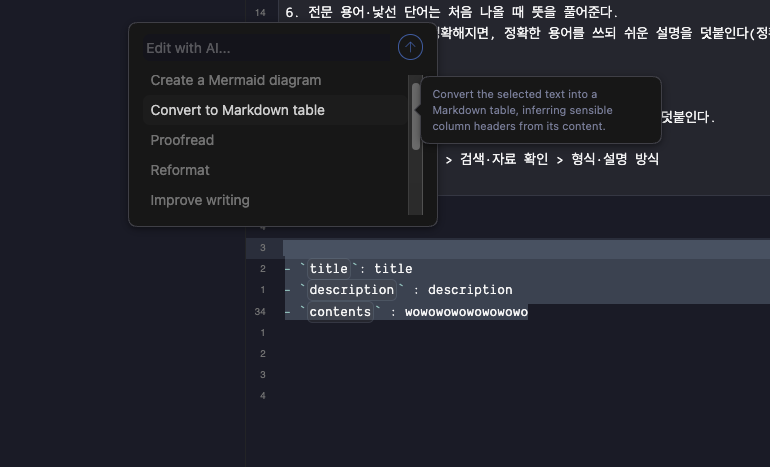
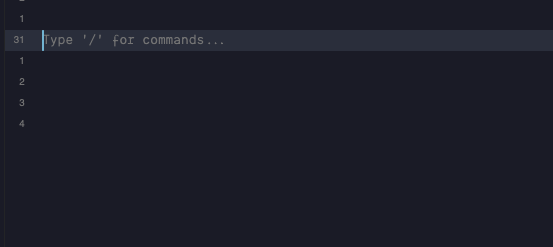
• Longer inputs or AI Presets: If the notebook content is a bit longer, or if I invoke the AI using one of the AI preset menus, the response comes back completely blank/empty. Moreover, the existing text in the editor disappears when this happens.
(Note: I verified my local Ollama instance via curl and confirmed it is working fine, so this seems to be related to how Inkdrop handles the streaming response or the payload size).

- I have checked the troubleshooting
Environment
- Platform: Mac Tahoe
- Platform version: 26.5
- App Version: Canary v16
