Hello.
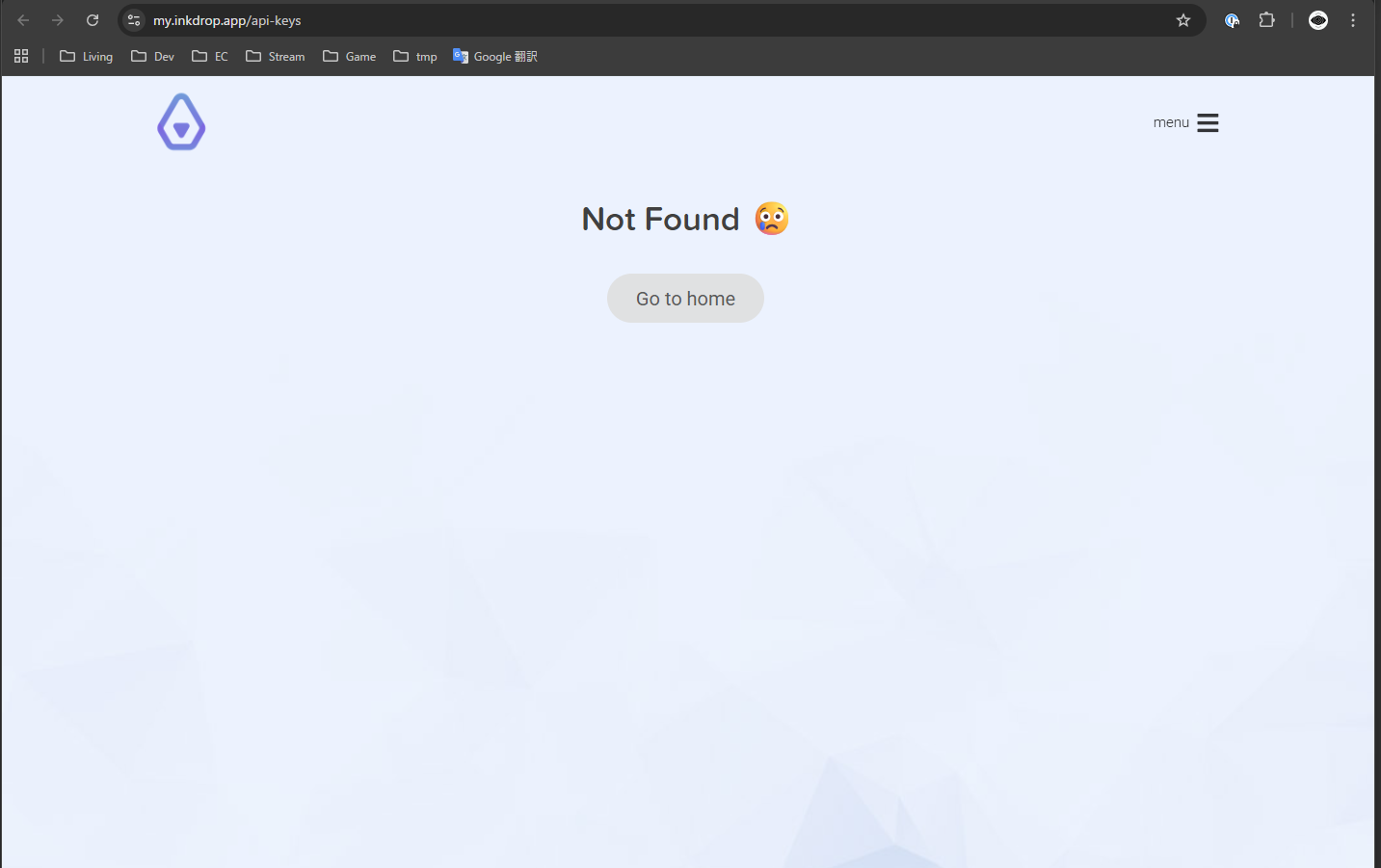
I’m currently developing a theme for Inkdrop. After finishing development, I tried to run the publish command, but I couldn’t find my API key. When I tried to check it, the API key page appeared to be missing (as shown in the attached screenshot).
> ipm publish minor
Welcome to Inkdrop!

Before you can publish packages, you'll need an API token.

Visit your account page on Inkdrop https://my.inkdrop.app/,
copy the token and paste it below when prompted.

Press [Enter] to open your account page on Inkdrop.
Access Key ID>
> ipm publish
Publishing package...
Failed to publish package: Error [ERR_UNSUPPORTED_ESM_URL_SCHEME]: Only URLs with a scheme in: file, data, and node are supported by the default ESM loader. On Windows, absolute paths must be valid file:// URLs. Received protocol 'c:'
    at throwIfUnsupportedURLScheme (node:internal/modules/esm/load:195:11)
    at defaultLoadSync (node:internal/modules/esm/load:142:3)
    at #loadAndMaybeBlockOnLoaderThread (node:internal/modules/esm/loader:795:12)
    at #loadSync (node:internal/modules/esm/loader:815:49)
    at ModuleLoader.load (node:internal/modules/esm/loader:780:26)
    at ModuleLoader.loadAndTranslate (node:internal/modules/esm/loader:526:31)
    at #getOrCreateModuleJobAfterResolve (node:internal/modules/esm/loader:571:36)
    at afterResolve (node:internal/modules/esm/loader:624:52)
    at ModuleLoader.getOrCreateModuleJob (node:internal/modules/esm/loader:630:12)
    at onImport.tracePromise.__proto__ (node:internal/modules/esm/loader:649:32) {
  code: 'ERR_UNSUPPORTED_ESM_URL_SCHEME'
}
It looks like the Windows OS is causing the problem, do you know a solution?
> ipm publish
Publishing package...
✓ Package published successfully!
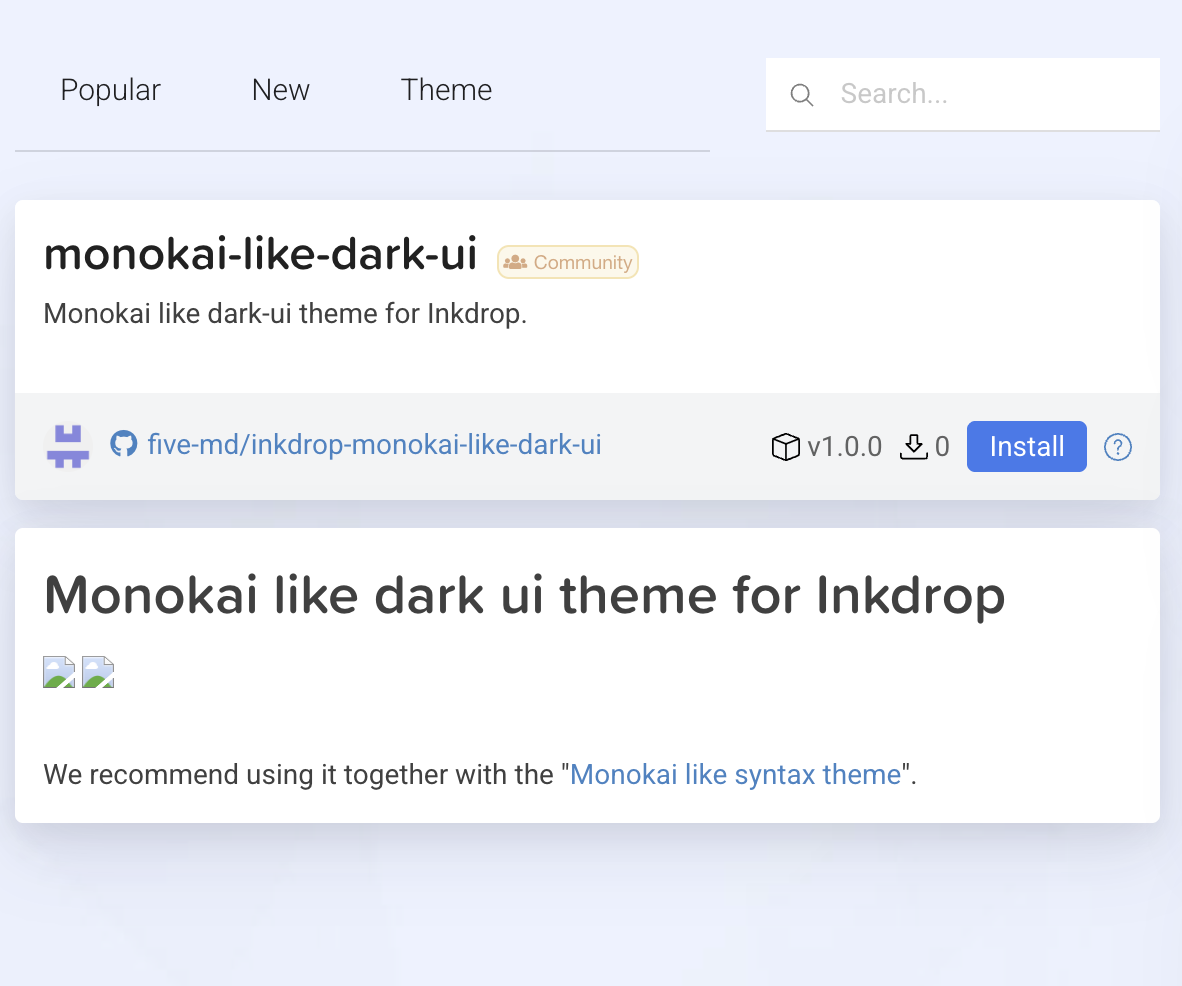
However, looking at the plugin page, it doesn’t appear to have been published properly.
(I’ve digressed a bit, so if the conversation continues I’ll create a proper thread…)
Oops, it looks like the dryrun flag was always enabled unexpectedly on the server.
I’ve fixed the server api. Can you please try it again?
BTW, note that the package version is “0.0.0”, which should be incremented before publishing.