I’m excited to announce that you’ve got the new IPM command 
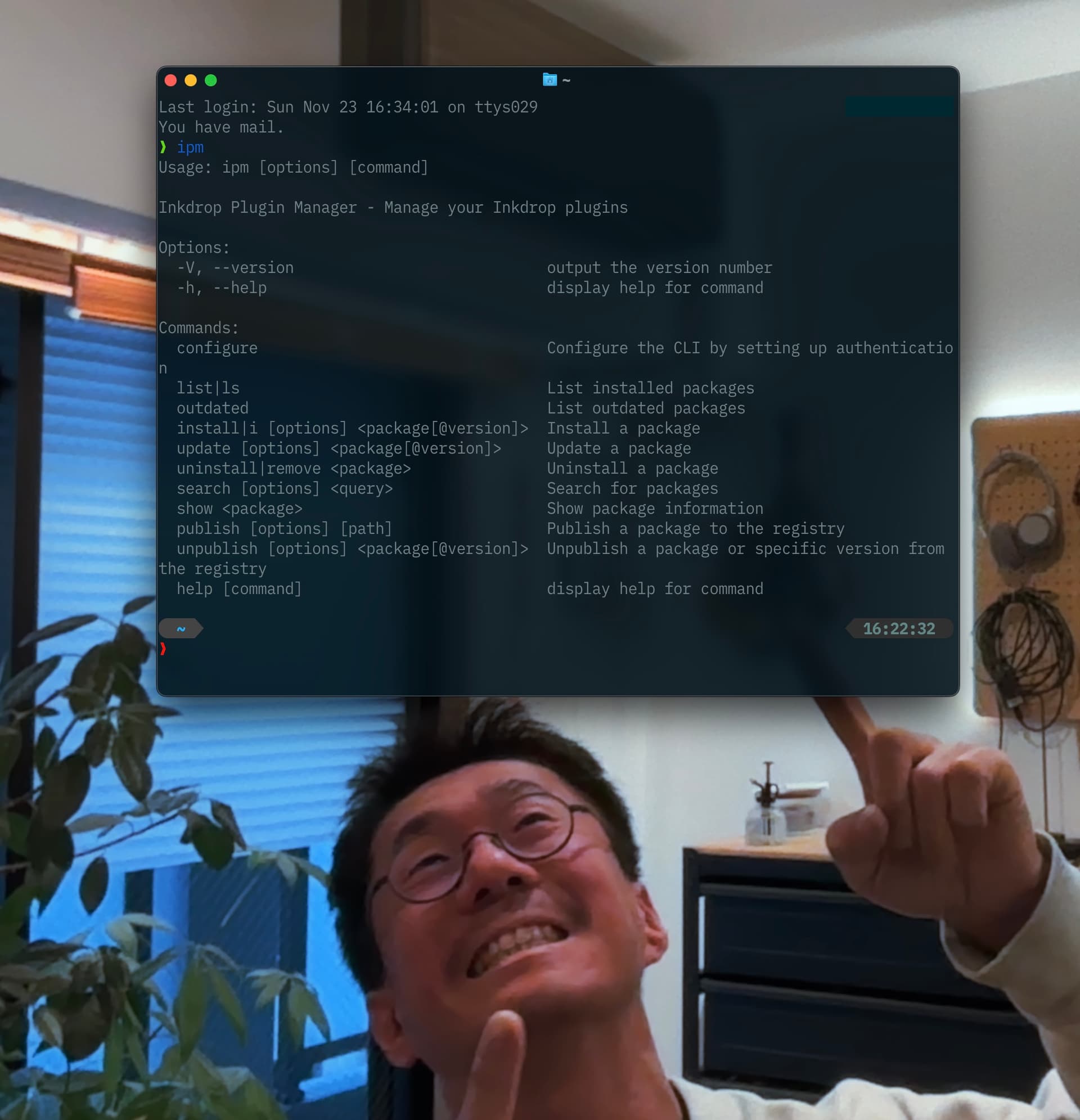
 New IPM command
The ipm command is a CLI tool for publishing Inkdrop plugins.
It was bundled in the desktop app but has been removed in recent versions.
There are several reasons why I decided to create a new IPM command.
First, it depends on a large number of libraries, including NodeJS itself and npm (!).
The old ipm command was a fork of apm, the Atom Editor’s CLI tool, which supported rebuilding native modules for the installed version of Electron.
But none of the Inkdrop plugins require that.
Secondly, it deeply depends on GitHub releases.
The old ipm requires you to commit all the files to the repository, including compiled source, when publishing a plugin.
That was kind of annoying, because you have to commit changes every time you compile the plugin source.
Just like npm, the new ipm command generates a tarball locally, so you no longer have to include everything to upload your plugin to GitHub releases.
I’m happy that the new ipm command fully repaid the Atom’s technical debt now!
How to use IPM
Install:
npm install -g @inkdropapp/ipm-cli
Before using the CLI, you need to configure authentication with your Inkdrop account:
ipm configure
This will:
- Open the Inkdrop desktop app to display your access key
- Prompt you to paste the access key in the terminal
- Securely store the credentials in your system keyring
To publish a new version of your plugin, run the following command in your plugin root directory:
ipm publish
For other commands and details, please check out the repository on GitHub.
Other improvements
- Bump up Electron to v38.4.0
- Bugfix: Line numbers overlap text when horizontal scrolling starts (Thanks @Raivis)
ToDo
- Update Syntax & UI themes
- Syntax and UI theme preview
- Notebook icons
- Sidebar improvements
- Bundle Mermaid and Math by default
- Publish a separate
ipmcommand ←
- AI features
- Preview pane improvements
- Find in preview (I finally came up with a promising idea)
- Improve image upload speed
- Arm64 support
- Migrate from leveldown to sqlite3
Join the Canary testing
[!warning]
Canary is meant to be early testing. You cannot expect it as stable as the official release. Feedback is appreciated!
You can download the binary here:
How to give feedback
Please create a topic on the “Issues > Canary” category.
This is the most preferred way for me because I can manage which issue has been resolved or not.
We have our Discord server, where you can casually discuss and talk with other users.