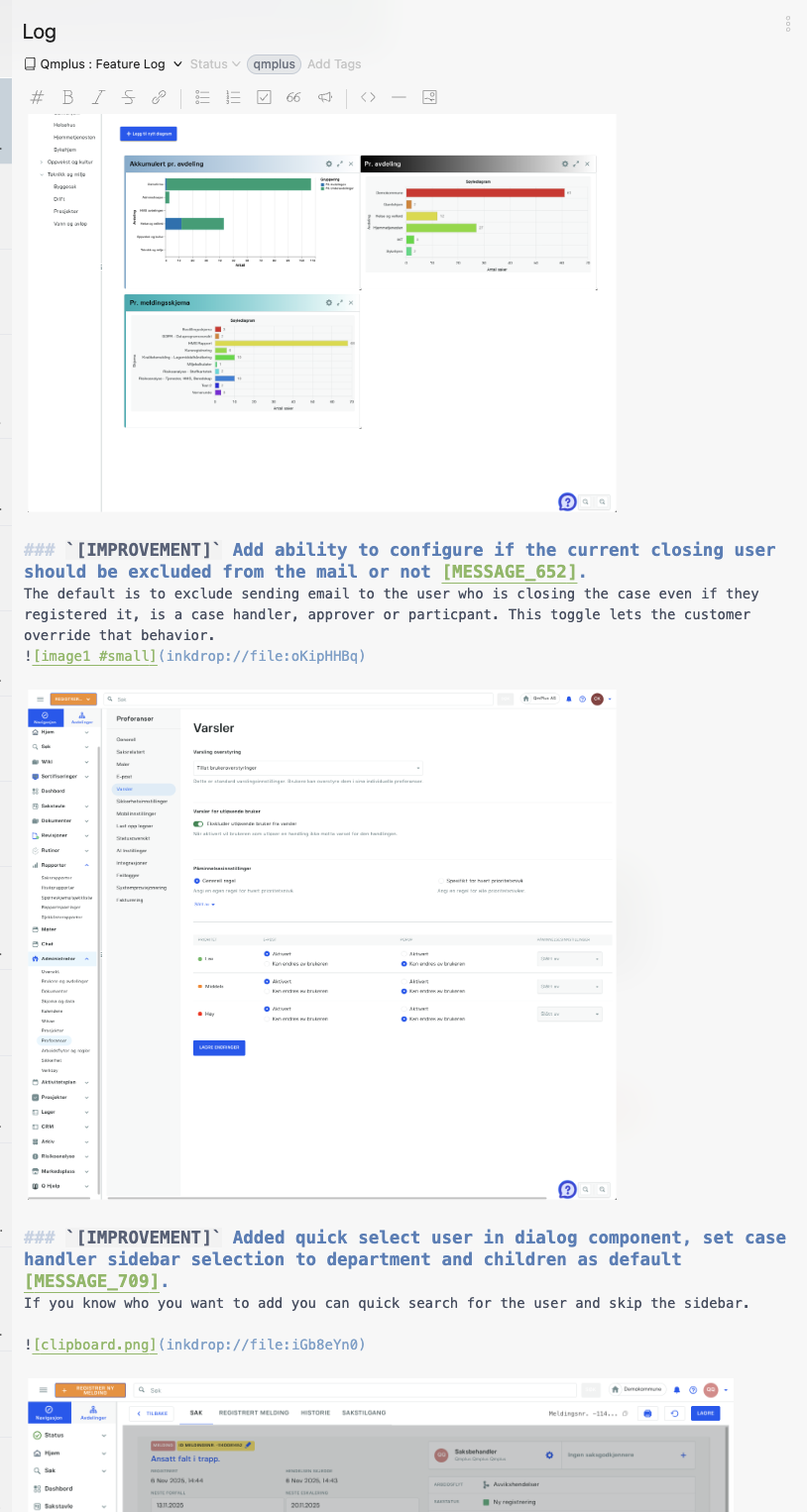
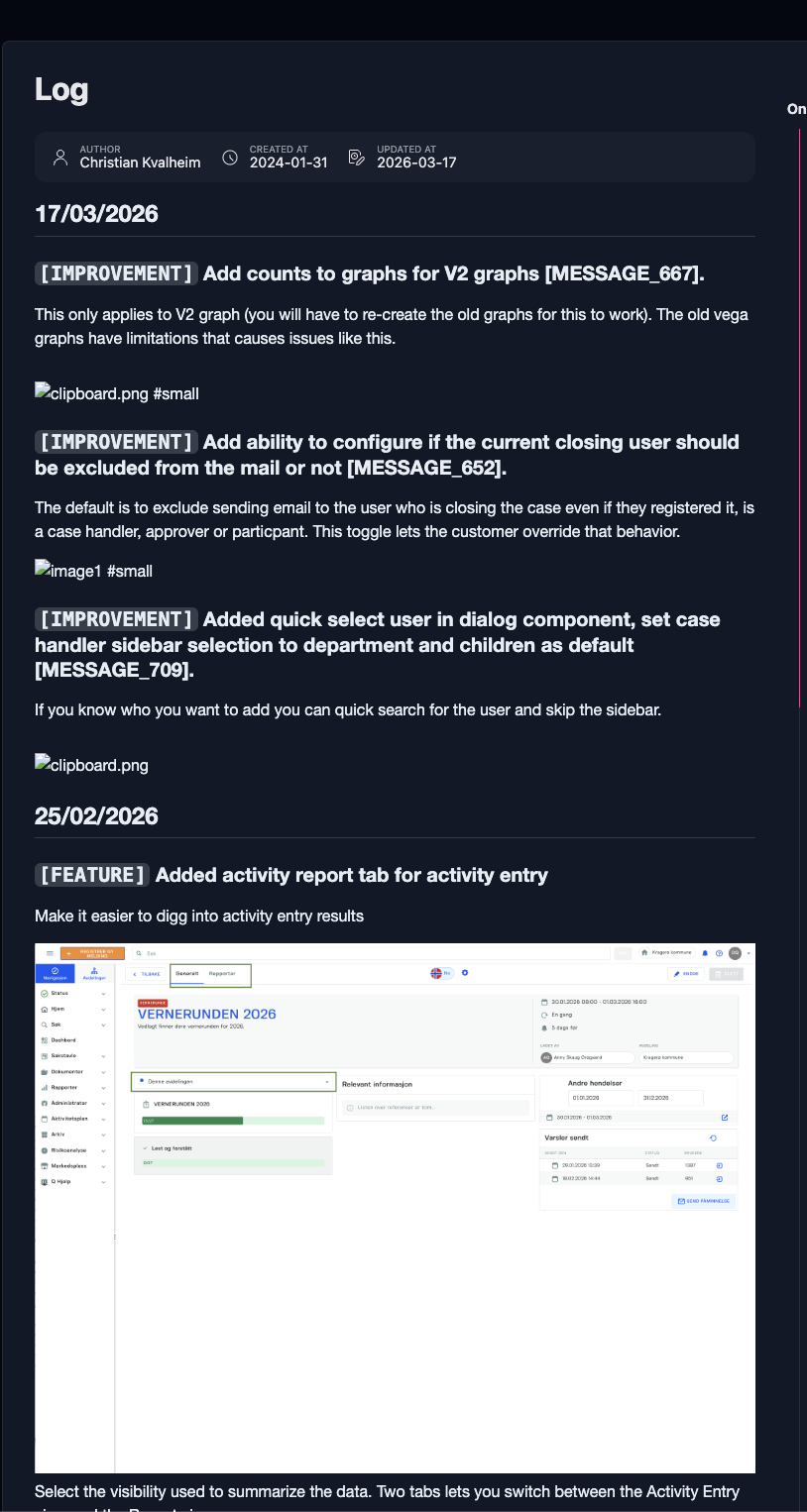
When sharing a document the images do not render

Bug report

Environment

  • Platform: OSX
  • Platform version: Sequoia 15.7.3
  • App Version: 5.11.8

How to reproduce

Paste and image either from the clipboard or drag and drop an image into the app. Its shows perfectly. When sharing the page the images do not render correctly

Mobile ios client shows the images as Not found.

The only thing I have modified is the styles to allow me to modify the size of an image but it does not seem to be the issue even after removing it.

.editor {
  .mde-cm-wrapper .CodeMirror .CodeMirror-linewidget,
  .mde-preview {
    img[alt$='#small'] {
      max-width: 75% !important;
      min-width: 200pt !important;
    }

    img[alt$='#x-small'] {
      max-width: 50% !important;
      min-width: 100pt !important;
    }

    img[alt$='#xx-small'] {
      max-width: 25% !important;
      min-width: 50pt !important;
    }
  }
}

Hi @Christian_Kvalheim ,

Thanks for reporting. I can see that the first three images are not loaded, but the rest are rendered properly. Since the note has a lot of images, it may take a while to finish uploading them to the server. Is your sync status finished? What if you attach these images again?

Hi I set up a complete clean note New Note still happens. I reinstalled the app as well. The image does sync across from OSX to IOS but it does not sync to the shared web weirdly.

it might be a permission issue. I’ll try fixing it next week! Thanks for the report.

Thanks for you attention. I hope you have a great weekend.

@Christian_Kvalheim
I think it’s been fixed! Could you try it again?
It was a regression due to improving the image upload speed in v6. Sorry for the inconvenience.
Seems to be working now. Thank you :smiley:

1 Like

Great! Have a nice day :smiley: