I used the inkdrop-toc plug in on some notes - and had problems with it (it didn’t seem to work as expected).
I uninstalled that plug-in - and now any notes I opened while the plug-in was installed have disappeared and can’t be found anywhere, including searches.
See above - after installing and then uninstall the inkdrop-toc plug-in any notes that were displayed while it was installed have disappeared. Those notes are also my longest notes (which is why I thought a TOC would be useful).
Environment
Platform: Windwos and Mac (and iOS, and Android)
Platform version: Windows 11 Pro, macOS 27 (Golden Gate), iOS 27, latest version of Android
App Version:
How to reproduce
[I am not going to try and reproduce it in case I lose more notes!]
Install the inkdrop-toc add-in
Open a couple of notes which use headings like ## and ###
Thanks for the report. That’s weird because the TOC plugin doesn’t change notes. It just shows table of contents in the preview. So, I suspect there is an issue somewhere else than in the plugin itself. Toggling it did nothing in my environment. As you can see in the source, it just extends the markdown renderer.
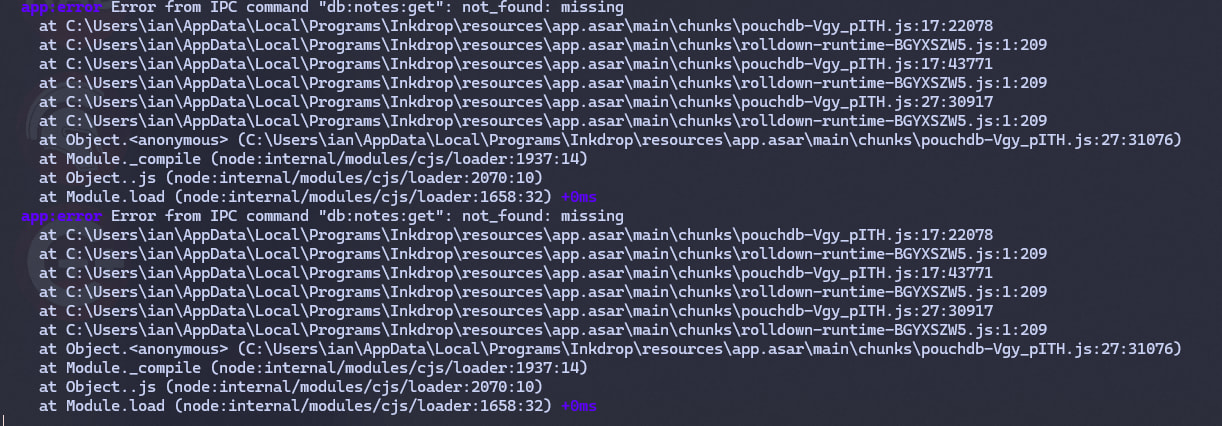
The error logs certainly say it failed to load a note. Does it happen when you open a note that includes a note link to the missing note? It means that something happened to remove it instead of moving it to trash. This is strange because Inkdrop basically doesn’t directly delete notes rather than moving to trash.
Just in case, have you checked the Completed and Dropped status sections?
Can you tell me which plugins you installed?
OK, I’ve updated the salvage tool to support v6.
Could you try the steps in the doc?
Then, look into _deleted. There should be deleted notes in this folder.
If not, it means that no notes have been created in the first place.
Please make sure that you run it on a computer where you wrote the missing notes.
I’ve checked the change logs of your database on the server.
But interestingly, there were no deletion records at all.
This means that your missing notes have never been synced.
You have 9 notes right now.
Now, I honestly don’t understand what happened to your client or account.
You mentioned that you created longest notes. Were they longer than 1,048,576 chars? It could happen if a note included base64-encoded image files. If so, the app potentially fails to save them.
If your missing notes have never actually been saved, I’m afraid that the salvaging tool doesn’t solve here.
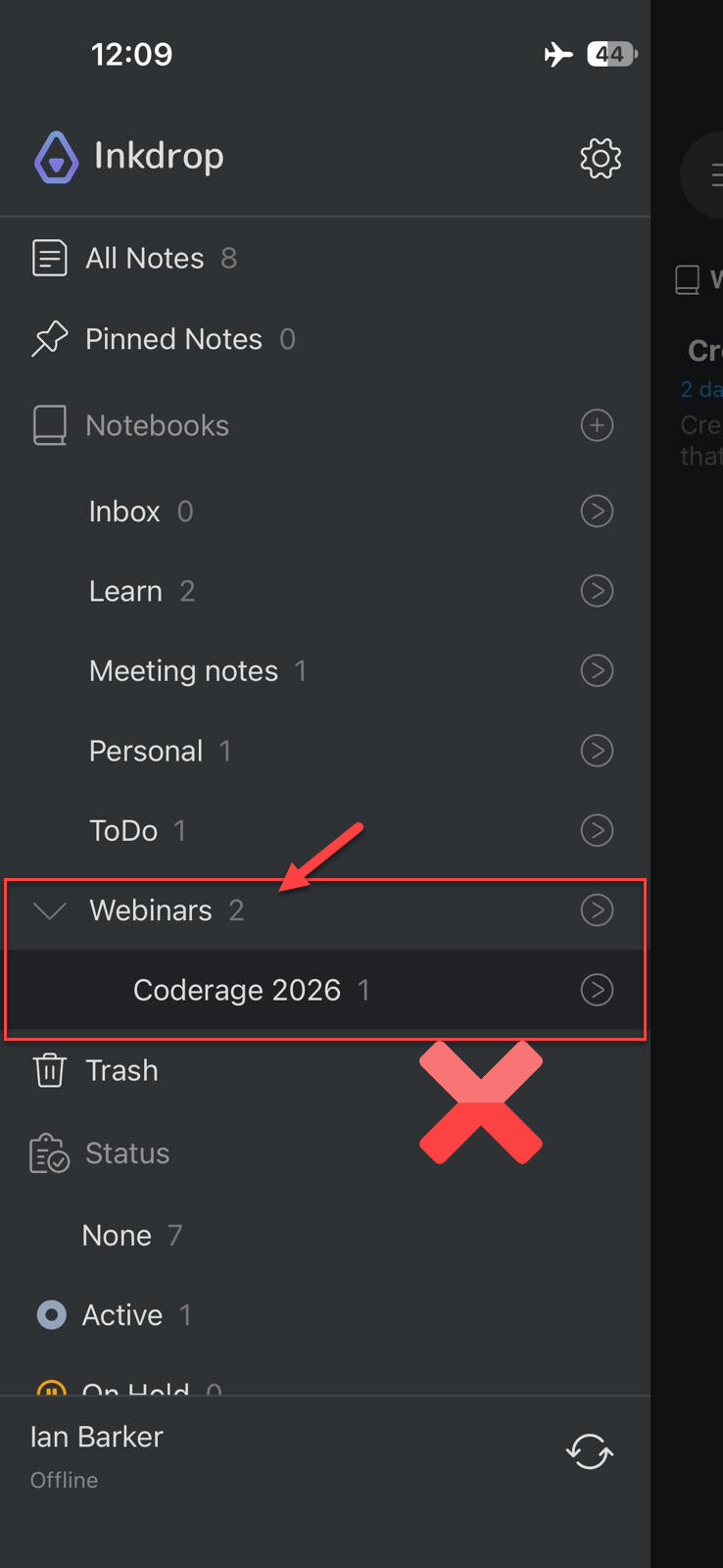
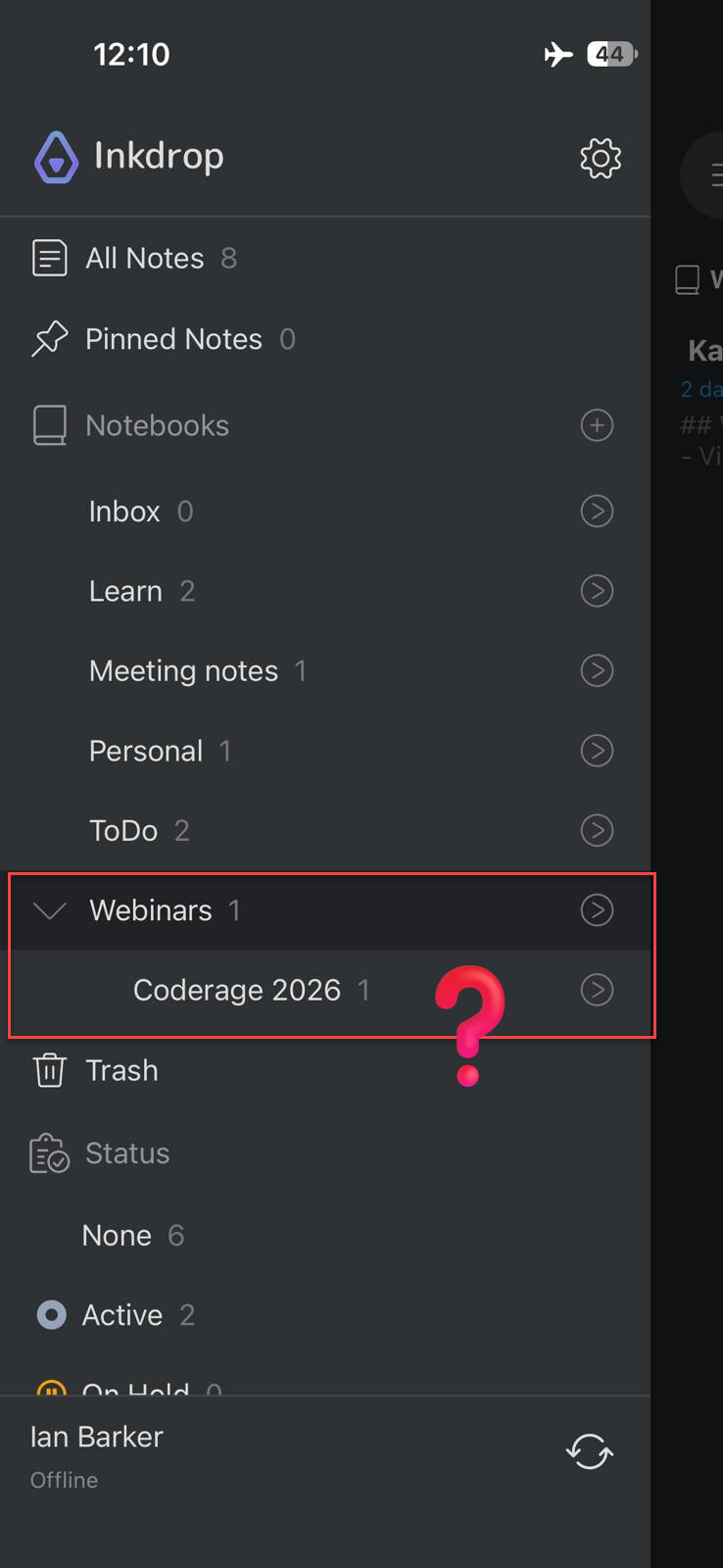
Hey, it’s OK, I think I accept they have gone. I’m not sure why - they definitely were synced because I had them visible on two different machines and they were updated on both (in fact it was one of the things which made me decide to use Inkdrop). When I realized what was happening on my main computers I put my iPhone in Airplane mode so it wouldn’t sync when I opened the app, but I forgot that iOS 27 leaves WIFI on in Airplane mode if you had it set up that way before and I saw the missing note just long enough - milliseconds - before the app synced. Doh!
I manually checked through all the JSON files on the PC and the Mac and I can’t find any trace of them either. They were not massive, maybe 100 - 200 lines, and there were only one or two that have gone missing (there was one I cared about but it can be redone - sometimes a second go at thinking things through produces better results).
My assumption is that something weird happened with the sync of the database. I have turned on backups now, plus I understand a lot more of the mechanisms that are going on behind the scenes after this.
Inkdrop is a great app. Your support in trying to fix it has definitely convinced me that it’s worth using. Nobody else would have gone as far to go the extra mile like you have. I watch your videos and they were what convinced me to try Inkdrop in the first place but it’s the support and the community behind it which makes stay.
I’m a software developer myself. Sometimes things happen. Life goes on!
I’m sorry to hear that you lost those important notes.
To summarize our investigation so far:
Server:purge_seq: 0 and doc_del_count: 0 on your database, so nothing was ever purged or deleted. _changes has no record of the notes at all.
Local: You ran inkdrop-localdb-extract on the PC and the Mac and found no trace, not even in _deleted/.
Sync: A note synced and edited on two machines can’t leave zero footprint across the server and both local DBs. The only ways would be a purge or a recreated DB, and both are ruled out. However, you saw the two missing notes synced and gone on the iPhone.
Notes: They were 100-200 lines, which shouldn’t have been failed to save on the client by the data validation.
I scanned all the possibilities across my codebase with my brain and AI but none of the root causes were found at the moment. CouchDB is mature and reliable, so I don’t know why. I’ll fix it as soon as possible once I found the root bug.
Good to hear that you configured backups. If any notes get deleted, they will move to _deleted/ in the backup folder.
Thank you so much for your patience and understanding! These reports definitely make the app improve better. Please feel free to report any other issues.

 Oops
Oops