Hi, I’d like to ask whether it is possible to scroll through the note list by clicking and dragging directly on it with the left mouse button. If this interaction is not currently available, I’d like to suggest it for a future version of Inkdrop.
Description
I’m using Inkdrop 6.2.0 on Windows, and I currently have 831 notes in the All Notes view. I can navigate through the list using the mouse wheel, but reaching notes much farther down requires a lot of repeated scrolling.
I’d like to hold down the left mouse button over the list and drag to scroll vertically, similar to dragging a list with a finger on a touchscreen.
Desired interaction
- Position the pointer over the note list in the middle panel.
- Press and hold the left mouse button.
- Drag upward to reveal notes farther down the list, or downward to return to earlier notes.
- Release the button to stop scrolling.
The idea is to perform this gesture directly on the list, without having to grab the scrollbar thumb or use the mouse wheel.
Current behavior
In my installation, attempting this gesture with the left mouse button does not scroll the list as expected. As a result, I continue to rely on the mouse wheel to navigate through it.
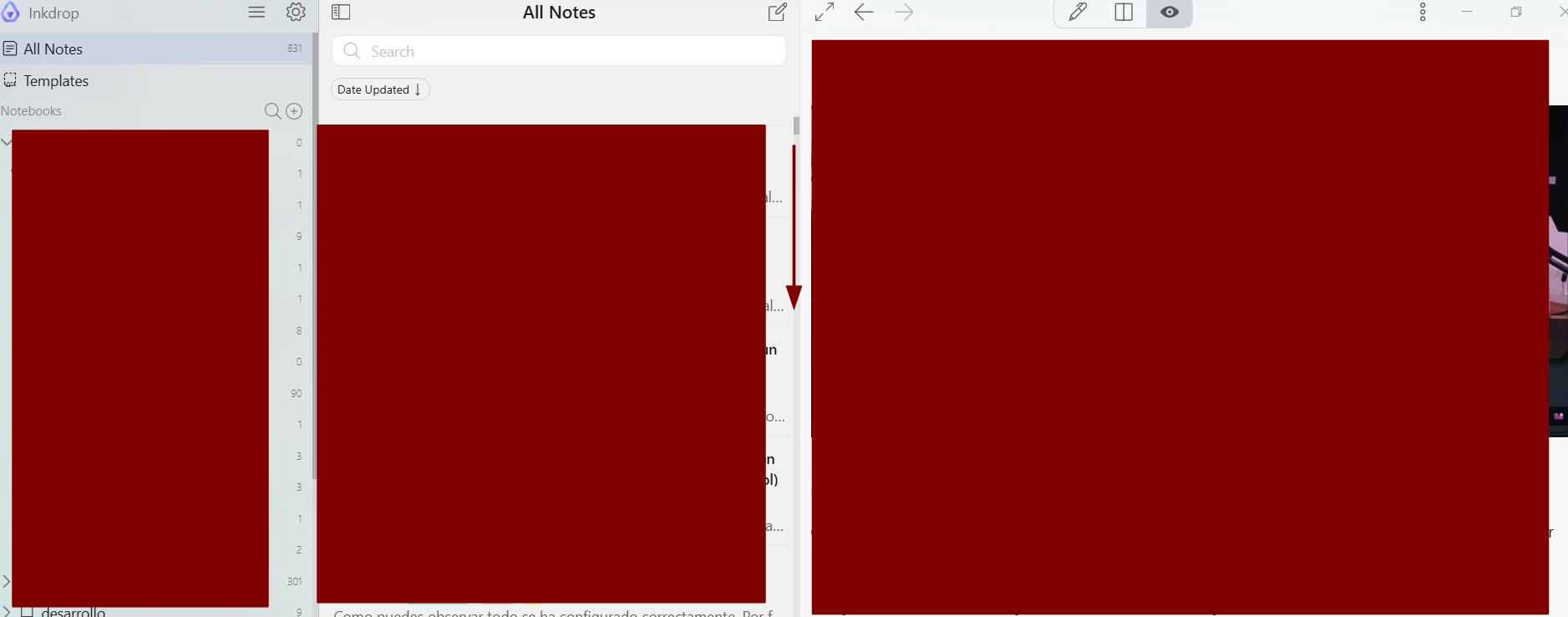
In the attached screenshot, I’ve marked the right edge of the middle panel to identify the relevant list and the scrolling direction. However, my request is to drag directly on the list itself, rather than drag the scrollbar.
Why this would be useful
This would make navigation easier when working with many notes and browsing different parts of the list without performing a specific search. It would be particularly helpful when I cannot remember a note’s title or a suitable search term.
Ideally, this gesture would work alongside the normal click action used to open a note. If it could interfere with other drag actions, an option to enable or disable it in preferences would also be helpful.
Environment
Operating system: Windows.
Inkdrop version: 6.2.0.
View: All Notes.
Number of notes: 831.
Input device: Mouse.
I’ve attached a screenshot highlighting the relevant panel and another showing the installed version in the About window. The note contents have been hidden for privacy.
Is there an existing setting that enables this type of scrolling with the left mouse button? If it is not currently available, could it be considered for a future release?
Thank you for your help and for considering this suggestion.