Preferences UI for Local HTTP Server & Security improvement
As the local HTTP server feature has been used for the Inkdrop MCP server, I thought it’d be necessary to provide the UI for configuring it.
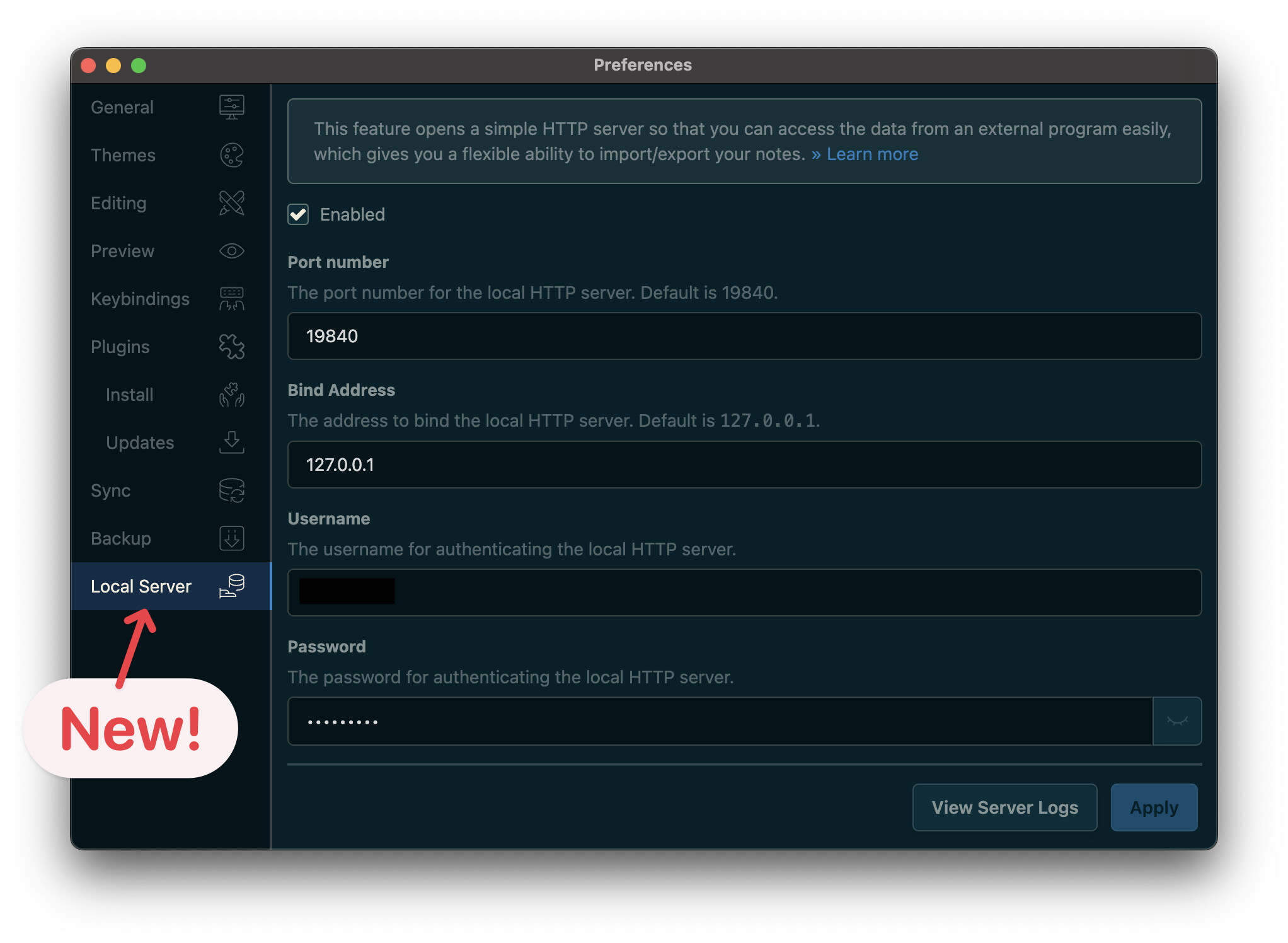
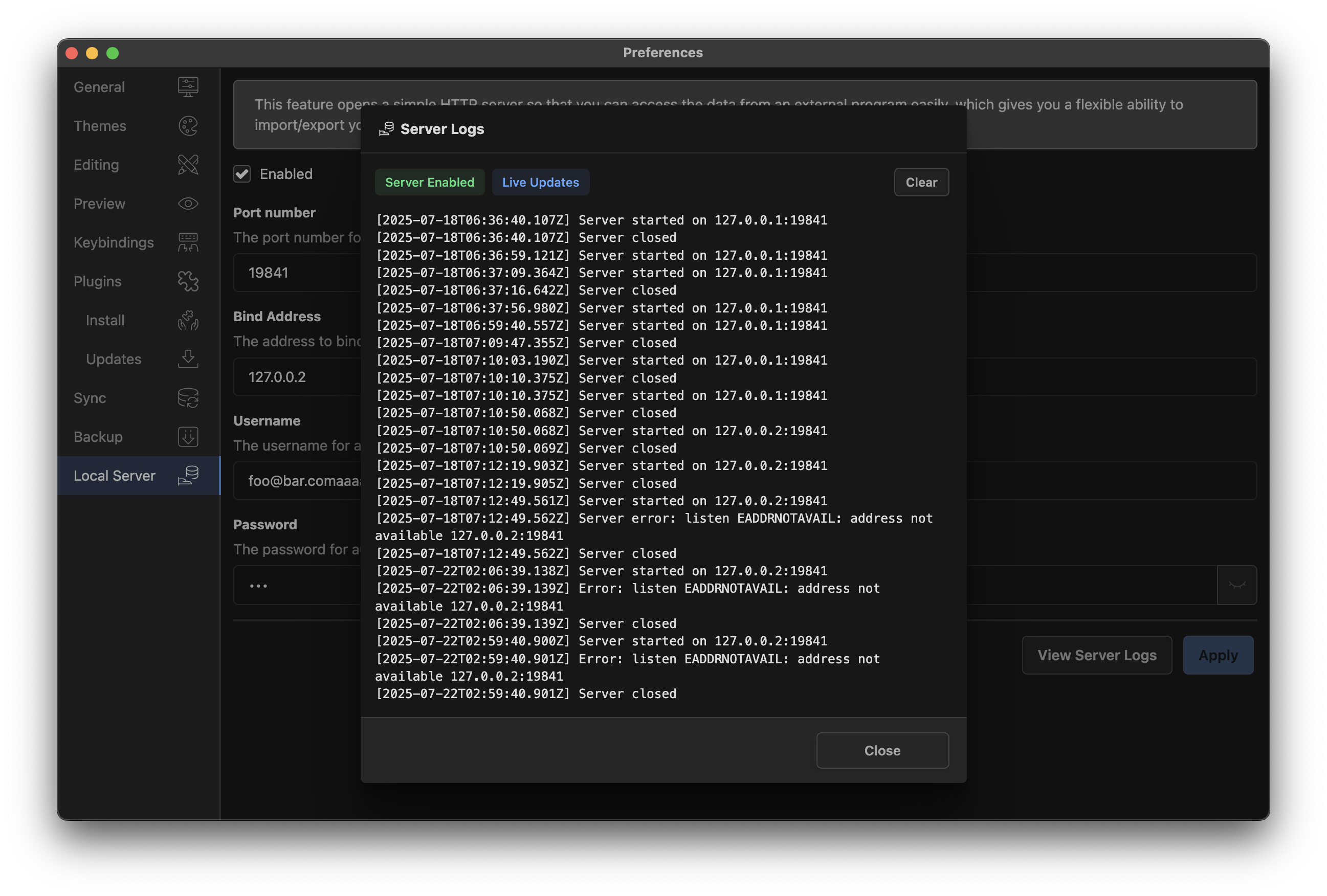
By pressing the View Server Logs button, you can view the server logs.
It allows you to easily track the server access and errors.
On top of that, if you configured it via the UI, your username and password are encrypted in the config file, as the following:
"server": {
  "auth": "djEwYnxxxxxxhCfUf+znfNMySOxxxxxxxxxxxTlL5hxzFdaNM/tZoXY3IjkE5CHI95RDPJEMeKSIxxxxxxxxxxxxxg==",
  "bindAddress": "127.0.0.2",
  "enabled": true,
  "port": 19841
},
Bug fixes
- fix(navigation-history): cannot close app when the editor is not loaded (Thanks @Magnus)
- fix(theme): body class name theme indicator not working occasionally
- fix(note-tags-bar): layout issue when having a lot of tags (Thanks simbat)
- fix(note-list-search-bar): missing min-width (Thanks Micha)
Security improvement
- refactor(access-key-store): Use safeStorage API instead of node-keytar