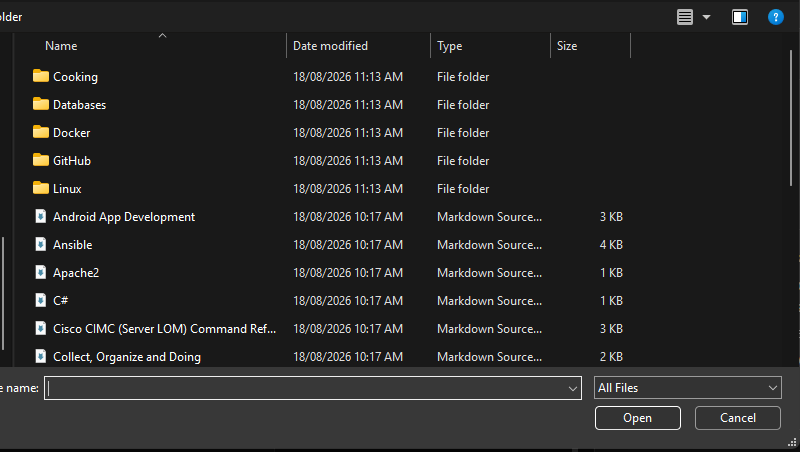
I can’t import a folder with .md files. I can import individual files, but not folders. Import-markdown won’t let me select a folder. At this speed, my 30-day trial will be spent moving my .md files over
Environment
Platform: Kubuntu 26.04 LTS & Windows 11
Platform version: ^^
App Version: 6.1.1
How to reproduce
I have exported a bunch of notes from Notion. I have a folder with .md files and subfolders with more .md files. I go to File → Import → From Markdown files…
Thanks for the report.
That’s weird. It lets me select folders on my mac, so it seems to be a platform-dependent issue or something.
Will look into it.
Progress! Using the File → Import → from Markdown folders… It creates the sub-notebooks based on the folder structure but doesn’t import any of the .md files in the folders. I have verified that all the folders have .md files.
@Blake_Miller
Sorry for the delay. I’ve been working on fixing other bugs. v6.1.3 should fix the issue.
I confirmed it worked fine on my Windows machine.
Thanks again for your feedback
Please let me know if you have any issues.

 Maybe another platform-dependent issue.
 !
!