I am experiencing an issue where the focus is unexpectedly lost from the Global Search input field when using the shortcut Cmd + Shift + F.
There are two main patterns to this behavior:
Intermittent Focus Loss: Occasionally, while I am actively typing a query, the input field suddenly loses focus, causing subsequent keystrokes to be ignored or interpreted as app shortcuts.
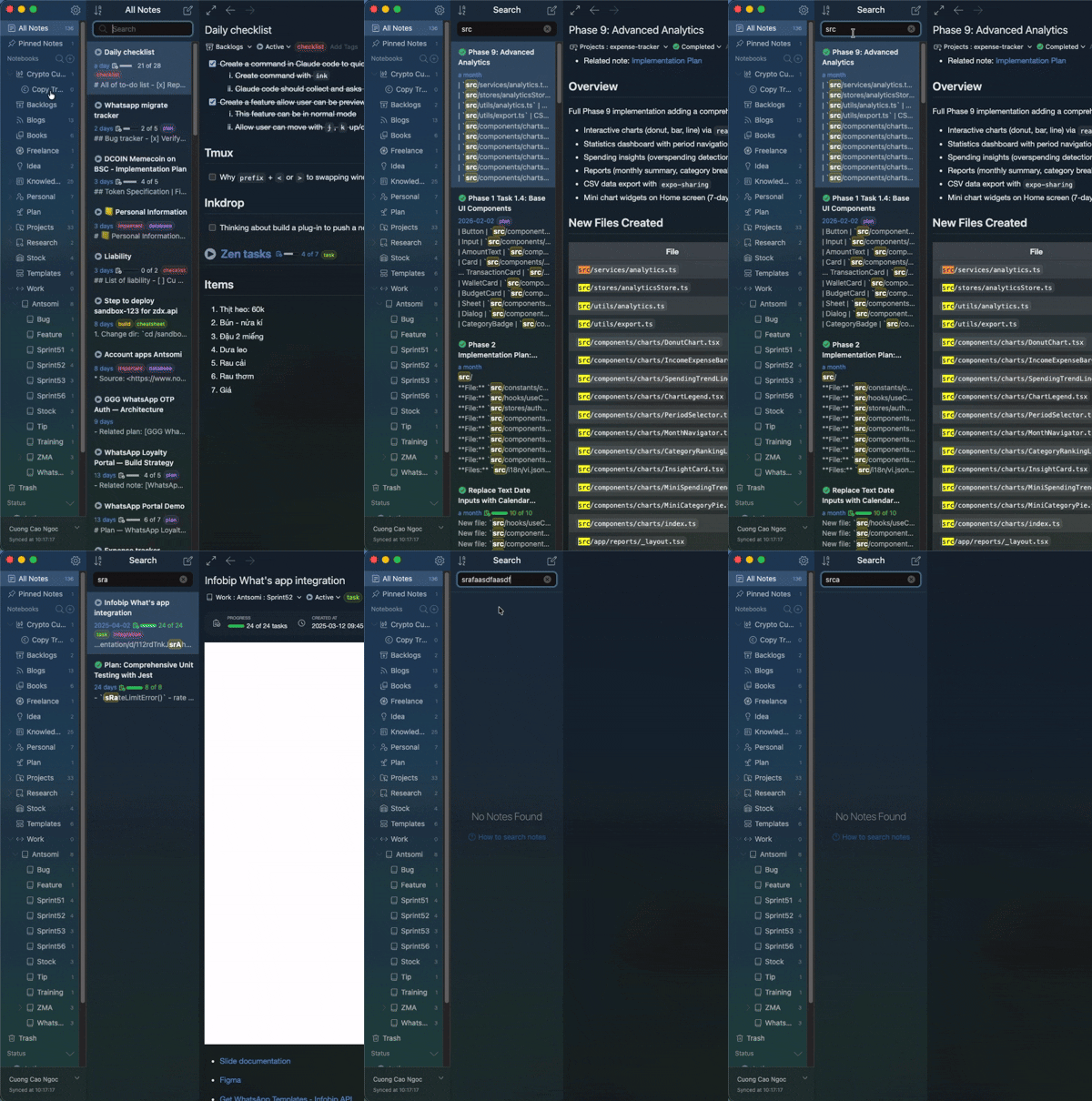
Specific Trigger: This happens very consistently when I type the string “src” into the search bar. The focus seems to drop or get interrupted right as these characters are entered.
Environment
Platform: macOS
Platform version: 26.3.1
App Version: Version 6.0.0-canary.12 (6.0.0-canary.12)
How to reproduce
Press Cmd + Shift + F to open the Global Search pane.
Case A: Start typing a normal query. Sometimes, the cursor will randomly jump out of the input box mid-typing.
Case B (Specific): Type the word “src” (e.g., searching for “src/index.js”).
Observed behavior: The input field loses focus mid-typing, and I have to manually click back into the search bar to continue the query.
Expected behavior: The cursor should remain focused in the search input field until I manually navigate away or press Escape.
Thanks for the report. It is unfortunately by design for supporting highlighting keywords on the preview pane using Electron’s findInPage. The app has to disable all the components except the preview pane while running the API. And, it runs very slow if the keyword is very short like “src” as you mentioned.
I understand it is awkward and maybe I should remove this feature. What do you think?
I think it’s a pretty big trade-off. For now, I’m limiting my search actions like that . As a developer, I think there are many people like me who would probably search by src/… maybe.
 . As a developer, I think there are many people like me who would probably search by src/… maybe.