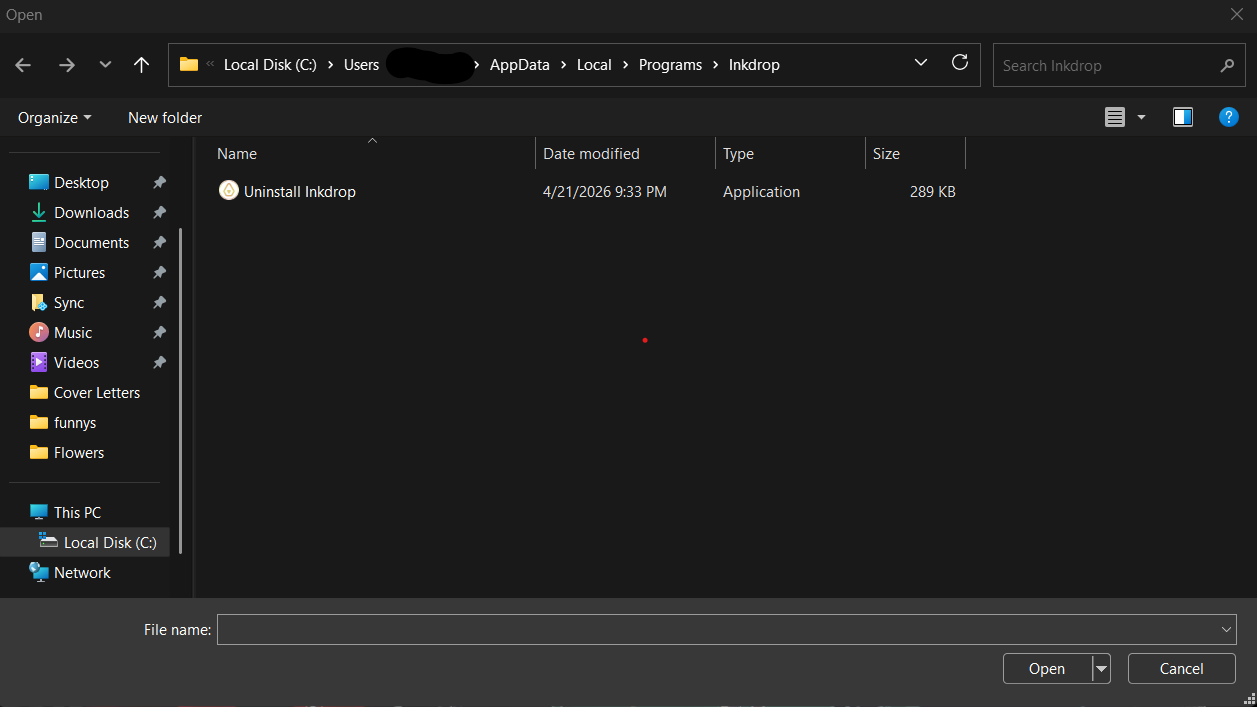
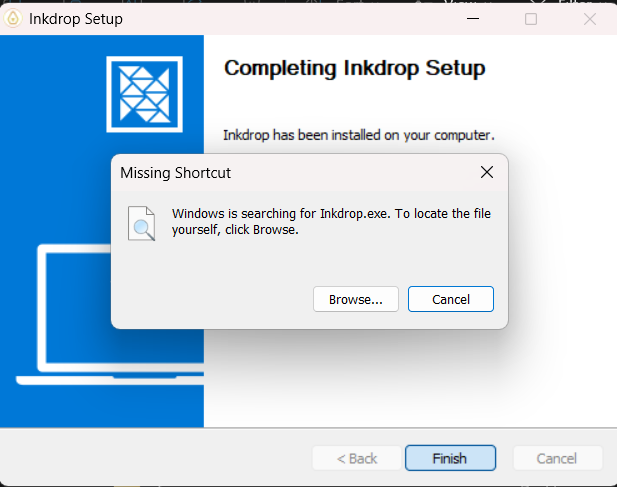
Automatically updating to the .15 version of Canary does not work. After installing it does not find the .exe file to open the latest version. When you go into browse to find the .exe file it is does not exist in the local appdata repository.
Hi @Christopher_Novas ,
Thanks for reporting.
@Lukas and @shimizu_tatsuya, have you ever experienced the same issue?
I have not experienced this error.
1 Like
If I remember correctly I encountered this error after initially installing the Inkdrop Canary zip Version (inkdrop-6.0.0-canary.1x-x64-windows.zip) - that is manually.
1 Like
@Nicolo_Pitsch
on Windows, zip targets don’t support auto-update.
@Christopher_Novas maybe it’s the same situation as Nicolo?
hi @craftzdog, I’ve been using the auto-updater (that is, the popup notification in the app itself) and have been encountering this issue. I can try manually downloading the update and seeing if that works!
Will report back.
UPDATE: Okay, downloading and running the .exe file from the Canary download page itself fixed the issue!
1 Like
Thanks for checking. Let me know if it works fine when upgrading the next canary!