- I have checked the troubleshooting
Bug report
Environment
- Platform: macOS
- Platform version: 15.6.1
- App Version: 5.11.6 (5.11.6)
How to reproduce
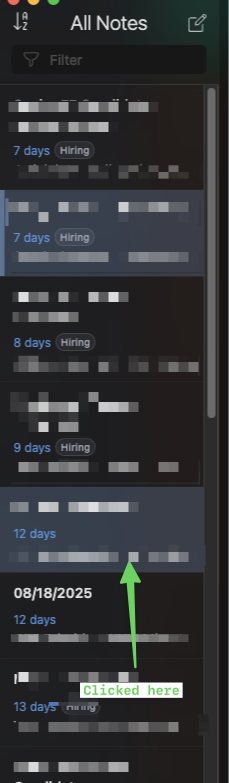
When I start up Inkdrop, it loads up with a single note highlighted. When I click on another note, the panel remains on the original note, but now two items are highlighted in the left sidebar. If I double click on any other note, it always pops up the window with the original highlighted note. I can’t create new note either, when I hit the “New Note” button, nothing happens, so I’m unable to create new notes or edit other existing notes.
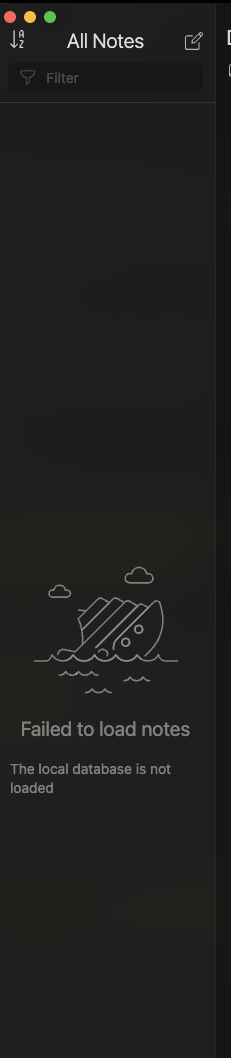
Sometime is also shows me the “Failed to load notes” message.