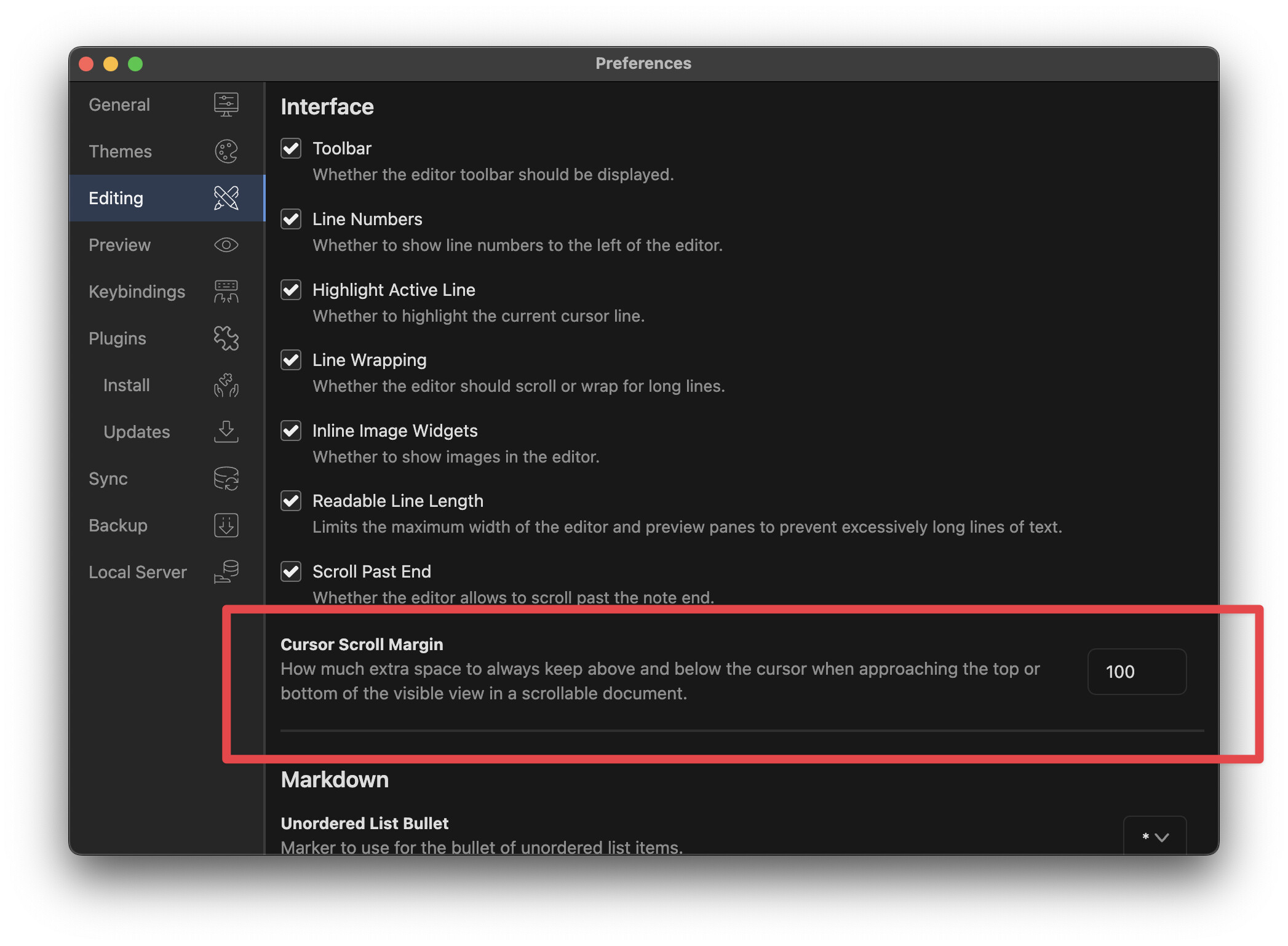
When I move the cursor with either j, k, or ^f or ^b, the text isn’t scrolling for me. The cursor goes outside the view and I can bring it back by reversing the same motion. Even gg and G moved the cursor to the right place. But text stayed at the same scroll position.
I edited the file inkdrop-canary/packages/vim/src/vim.js and commented out the extension disableScrollIntoView and it started working again as expected.
Not sure if I will run into some other bugs due to the above change, but it is working well for now.