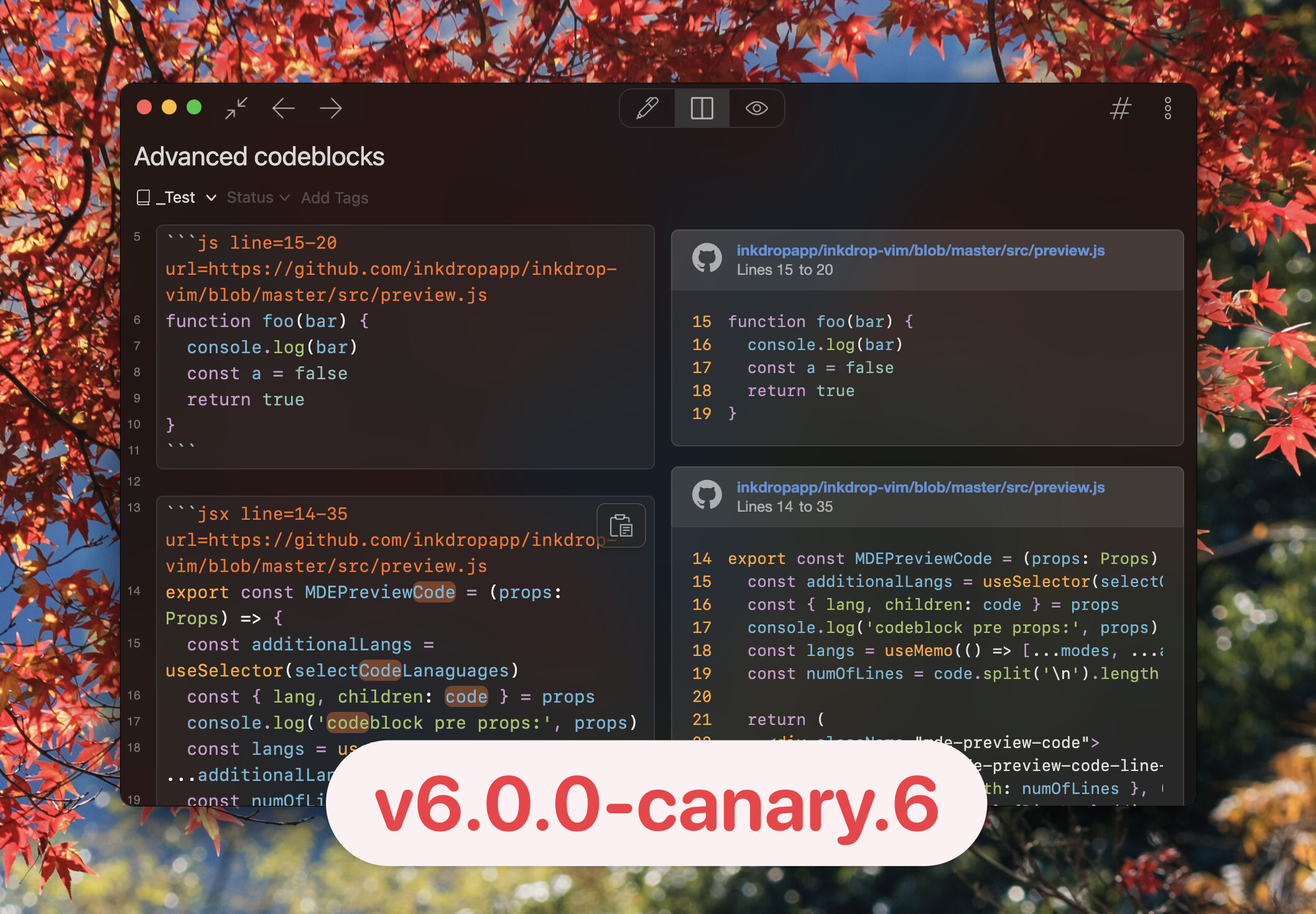
Hello!
This release introduces several new productivity features:
- Pasting GitHub code snippets from links
- Outline view
- Sidebar filter buttons for notebooks and tags
Pasting GitHub code snippets from links
I often take notes on code while referencing GitHub source links—for example, when debugging a library and documenting how its internals work.
Manually copying and pasting snippets from GitHub, however, has always been annoying.
In Canary.6, you can now paste a GitHub source link and have the code automatically fetched and inserted into your note as a formatted snippet.
For example, when browsing Inkdrop’s MCP server, you can select a range of code on GitHub by clicking a line number, then holding Shift and clicking another line number.
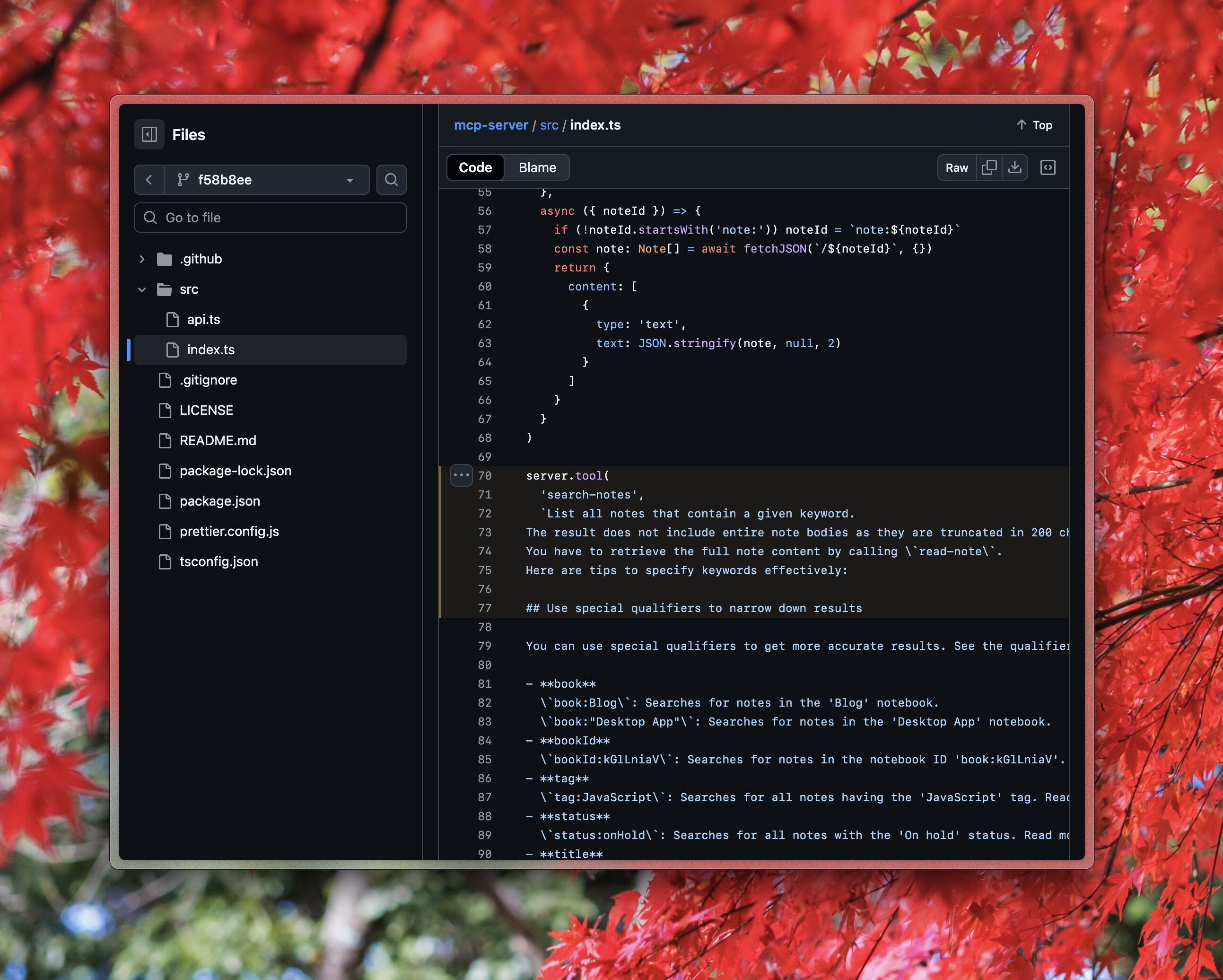
Next, paste the link https://github.com/inkdropapp/mcp-server/blob/f58b8ee08c7fabd134dfe33f78af34b1cff7487e/src/index.ts#L70-L77 by pressing Cmd-V on macOS or Ctrl-V on Windows/Linux.
A dialog appears with a GitHub code snippet option.
Press ↓ to select it, and Inkdrop will show a preview of the code fetched from GitHub:
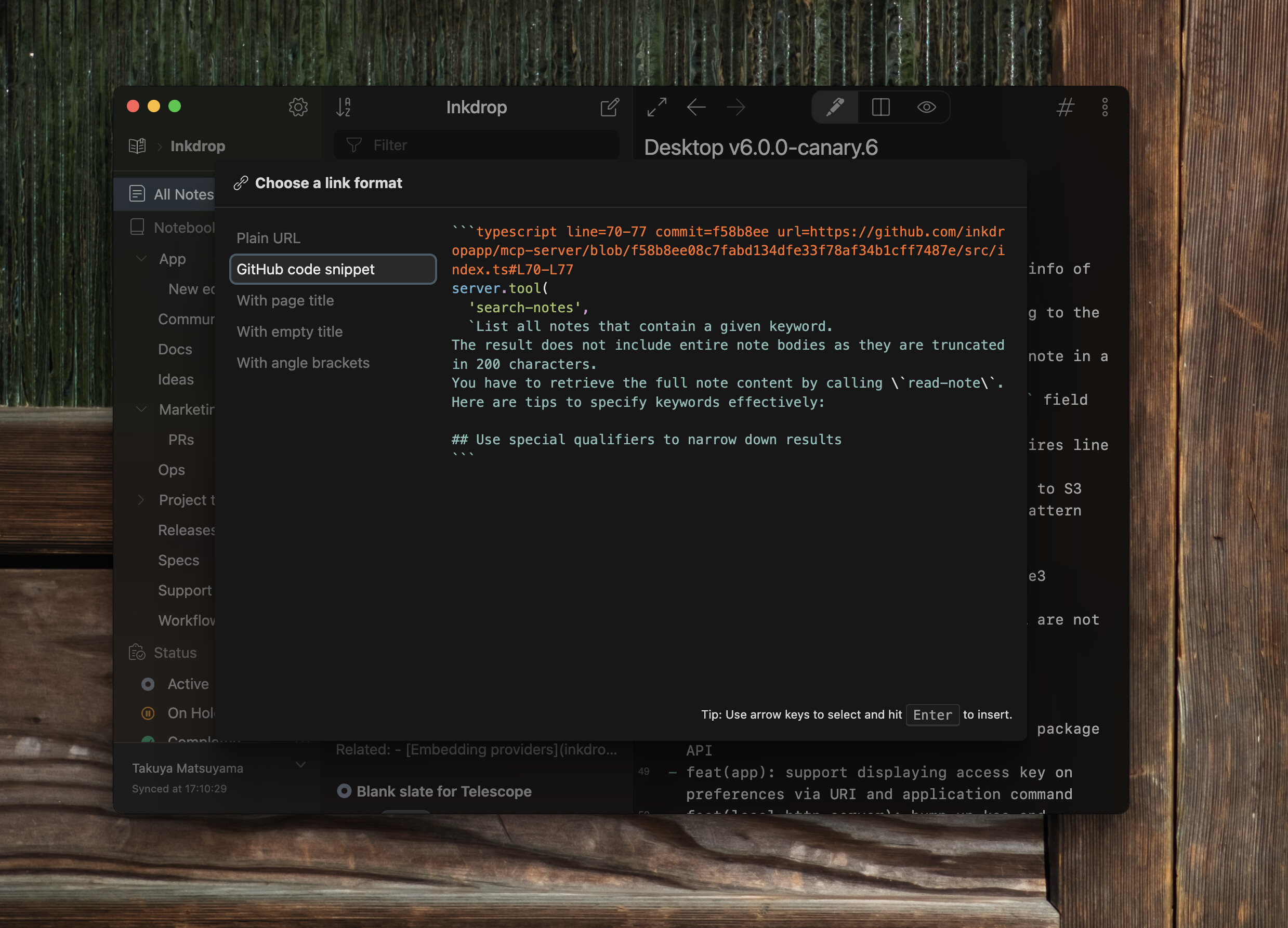
Press Enter to insert the snippet.
The following code block is inserted:
```typescript line=70-77 commit=f58b8ee url=https://github.com/inkdropapp/mcp-server/blob/f58b8ee08c7fabd134dfe33f78af34b1cff7487e/src/index.ts#L70-L77
server.tool(
  'search-notes',
  `List all notes that contain a given keyword.
The result does not include entire note bodies as they are truncated in 200 characters.
You have to retrieve the full note content by calling \`read-note\`.
Here are tips to specify keywords effectively:

## Use special qualifiers to narrow down results
```
In preview mode, it is rendered like this:
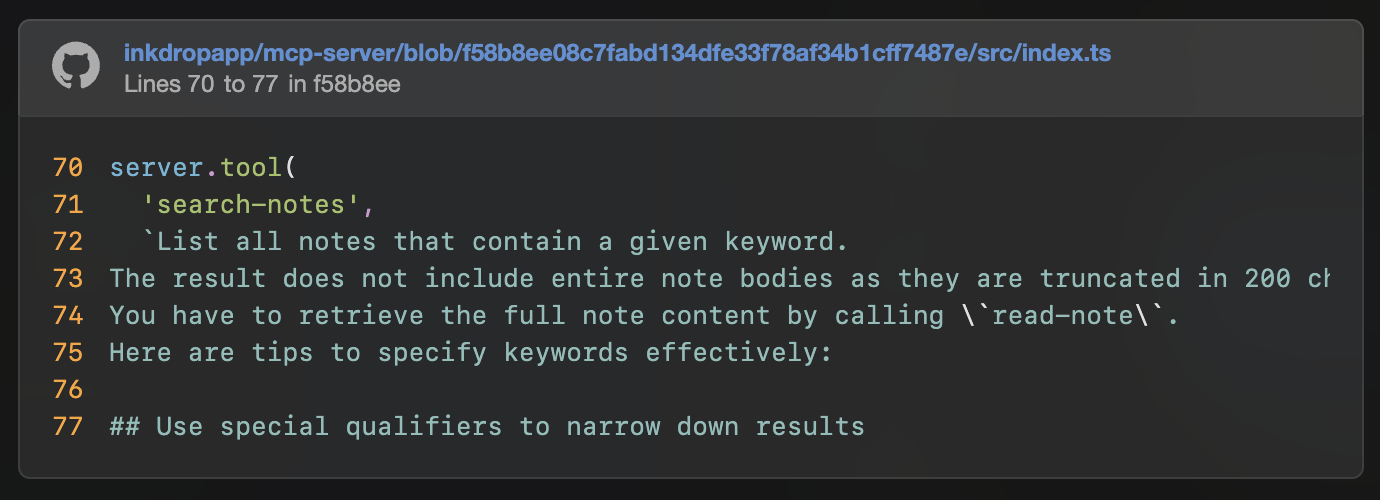
The code block meta syntax is inspired by MDX.
It is fully backward-compatible: when rendered by other Markdown engines, it falls back to a plain code block.
I hope this feature will boost your debugging and investigation workflow!
Outline view
- Command:
core:telescope-toc
When writing a long note, you may want to jump between sections or get an overview of the entire structure.
Canary.6 introduces a new ‘#’ button in the editor header bar.
Clicking this button launches Telescope and displays the table of contents for the current note.
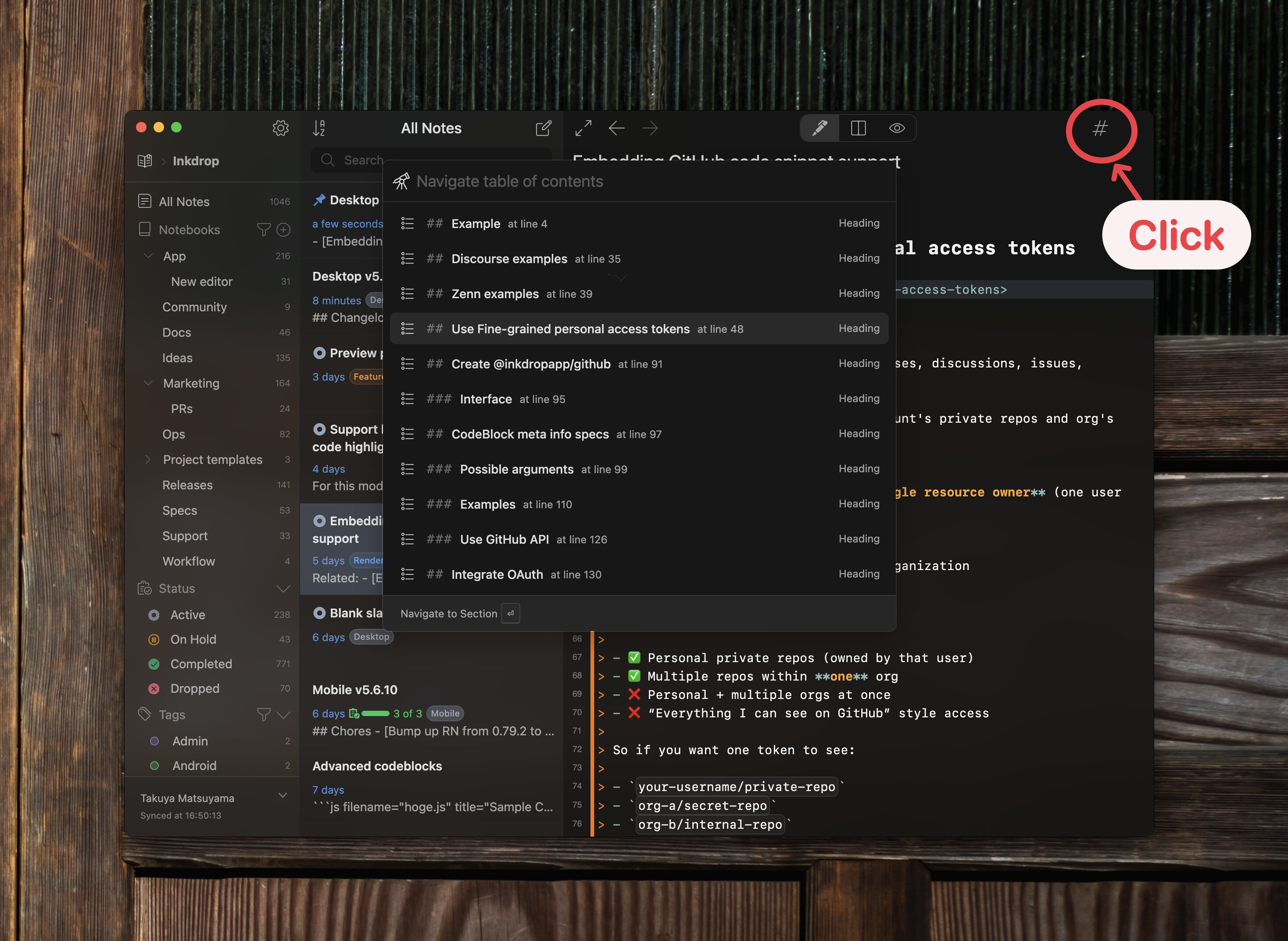
The current section is automatically highlighted based on the cursor position.
In preview mode, the highlighted section is determined by the scroll position instead.
Selecting a section moves the cursor to that section in the editor, or scrolls to it in the preview pane.
Sidebar search buttons for notebooks and tags
Shortcut search buttons have been added to the notebook and tag sections in the sidebar, allowing you to quickly launch Telescope and narrow down items by keyword.
Search Notebooks
- Command:
core:telescope-notebooks
Click the funnel icon in the Notebooks section of the sidebar:
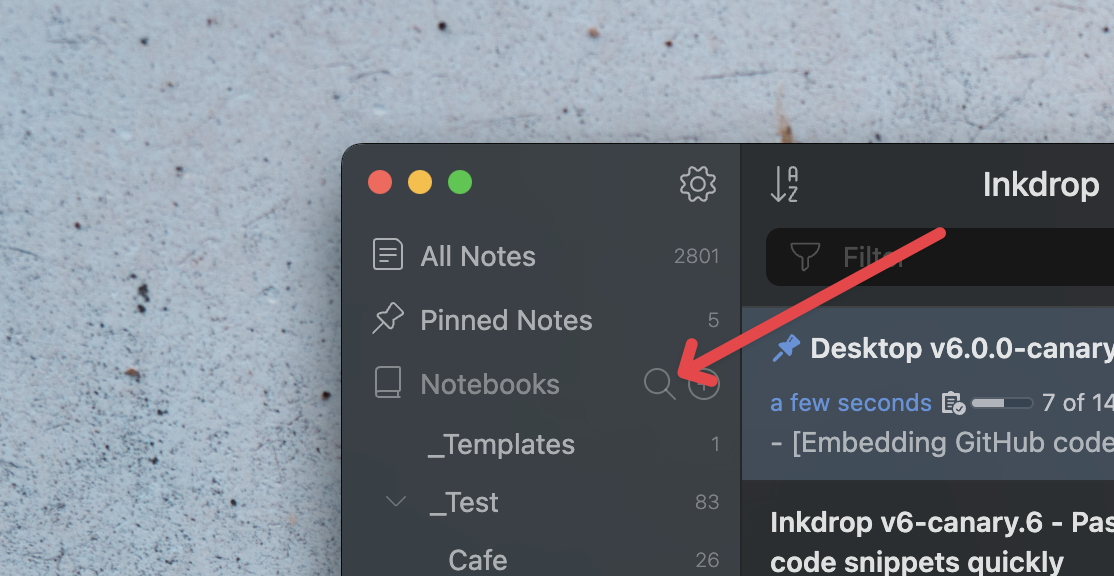
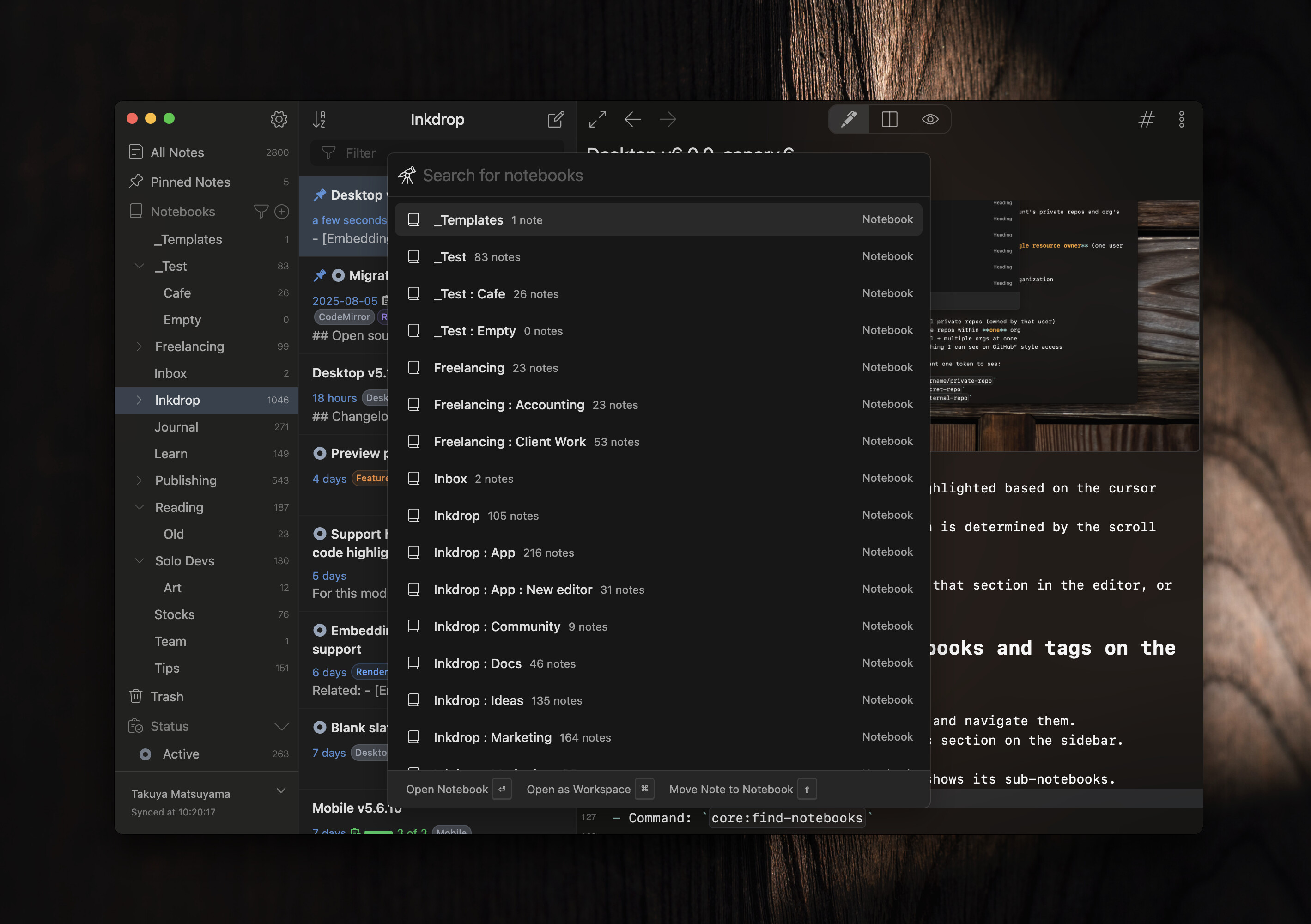
This opens Telescope with a list of notebooks.
When you are in a workspace, only its sub-notebooks are shown.
Search Tags
- Command:
core:telescope-tags
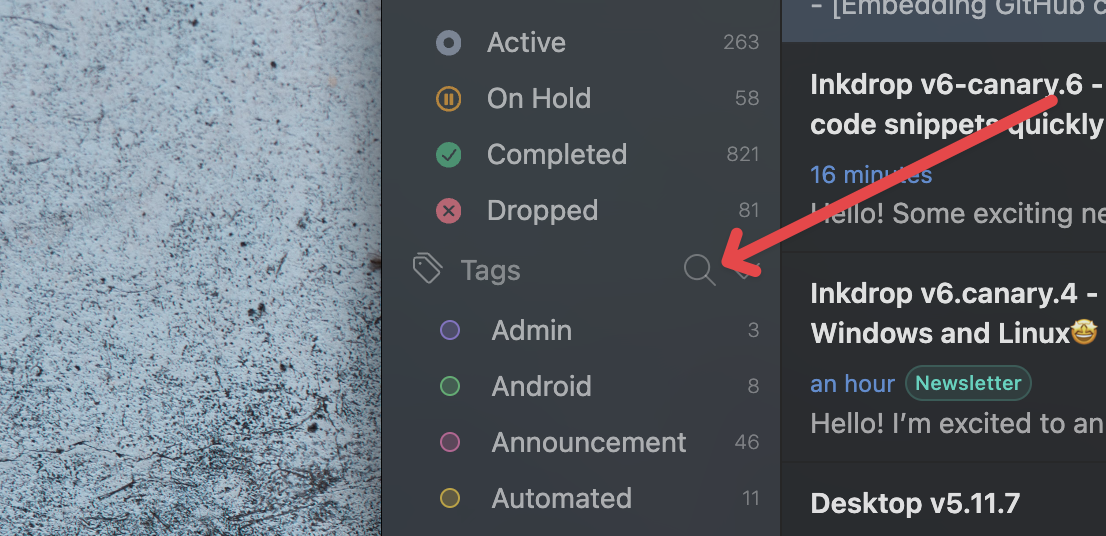
Click the funnel icon in the Tags section of the sidebar to quickly search and navigate tags:
Bugfixes
- Cannot create a new note in a separate new window (Thanks David)
- Export(html & pdf): Code blocks are not highlighted
How to run commands?
As mentioned above in each section, there are commands that allow you to programmatically invoke features.
For example, you can open Outline View by dispatcing the core:telescope-toc command on document.body, as shown below:
inkdrop.dispatch(document.body, `core:telescope-toc`)
Read the API docs for more details.
ToDo
- Update Syntax & UI themes
- Syntax and UI theme preview
- Notebook icons
- Sidebar improvements
- Add search buttons ←

- Add search buttons ←
- Bundle Mermaid and Math by default
- Outline view ←
- Publish a separate
ipmcommand - AI features
- Preview pane improvements
- Find in preview (I finally came up with a promising idea)
- Improve image upload speed
- Arm64 support
- Migrate from leveldown to sqlite3
Join the Canary testing
[!warning]
Canary is meant to be early testing. You cannot expect it as stable as the official release. Feedback is appreciated!
You can download the binary here:
How to give feedback
Please create a topic on the “Issues > Canary” category.
This is the most preferred way for me because I can manage which issue has been resolved or not.
We have our Discord server, where you can casually discuss and talk with other users.
That’s it! I hope these new features improve your development workflow 
Thank you so much for your support, as always 